
Tepte.com


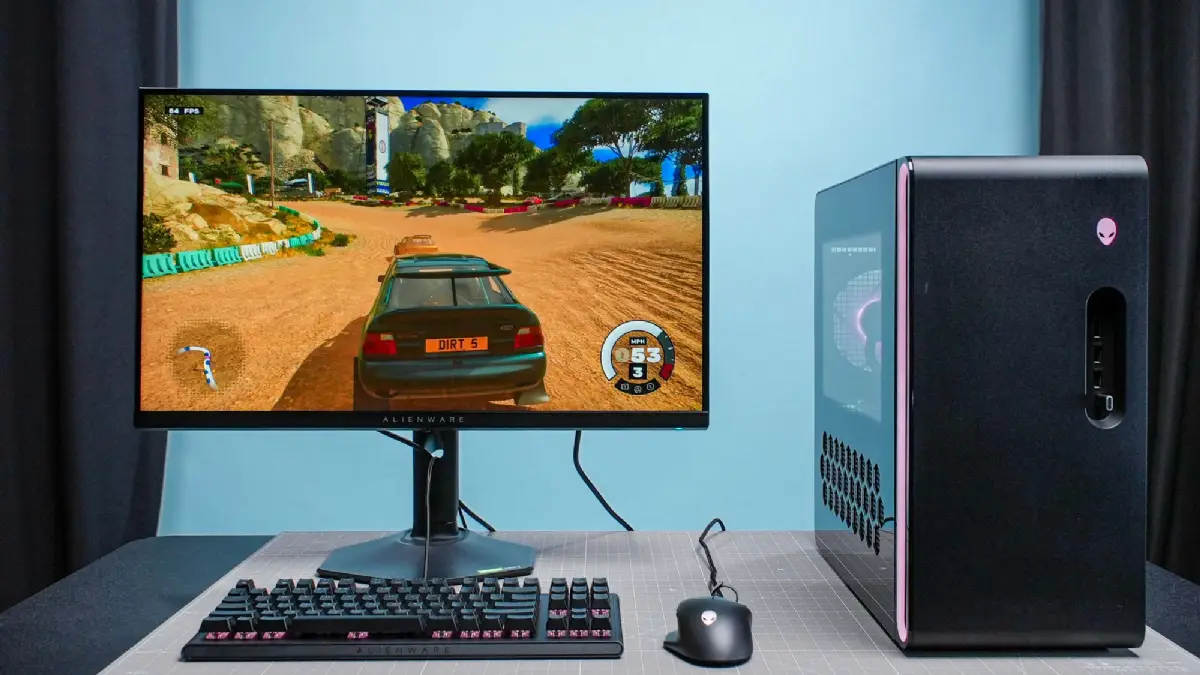
Building your first PC might seem intimidating, but in 2026, it's more accessible than ever thanks to improved component compatibility, detailed online guides, and affordable high-performance parts. Whether you're gaming, creating content, or just want a machine that outperforms pre-builts, this beginner’s guide to building your first PC walks you through every step. You'll learn how to pick parts that match your needs and assemble them with confidence.
Start by figuring out what you want from your PC. In 2026, options range from compact office setups to powerhouse rigs for 4K gaming or AI workloads. Ask yourself: What's your main use? Gaming at 1440p? Video editing? Everyday browsing? Your answers shape everything from CPU power to storage size.
Set a realistic budget upfront. Entry-level builds start around $600, mid-range hit $1,200, and high-end exceed $2,000. Factor in peripherals if needed, but focus on the tower first. Write down priorities: Do you need RGB lighting? Quiet operation? Future upgrades?
These questions keep your build focused and avoid buyer's remorse.
Modern parts snap together easier with standardized mounts and keyed connectors. Here's what you need:
AMD Ryzen 9000 series or Intel Core Ultra 200 lead in 2026. For beginners, go Ryzen 5 9600X for balanced multi-core performance under $250. It handles gaming and productivity without overkill.
Match your CPU socket. B650 for AMD or B860 for Intel offer great value with PCIe 5.0 slots. Look for Wi-Fi 7, multiple M.2 drives, and robust VRMs for stability.
32GB DDR5-6000 is the sweet spot now—fast, affordable, and future-proof. Dual-channel kits from Corsair or G.Skill work plug-and-play.
NVIDIA RTX 5060 or AMD RX 8600 for 1440p gaming. Budget? Integrated graphics on newer CPUs suffice for light use, saving $200+.
1TB NVMe Gen5 SSD like Samsung 990 Pro for OS and apps. Add a 2TB HDD for mass storage if archiving media.
80+ Gold 750W modular unit from Seasonic or Corsair. ATX 3.1 compliant for native 12VHPWR cables—no adapters needed.
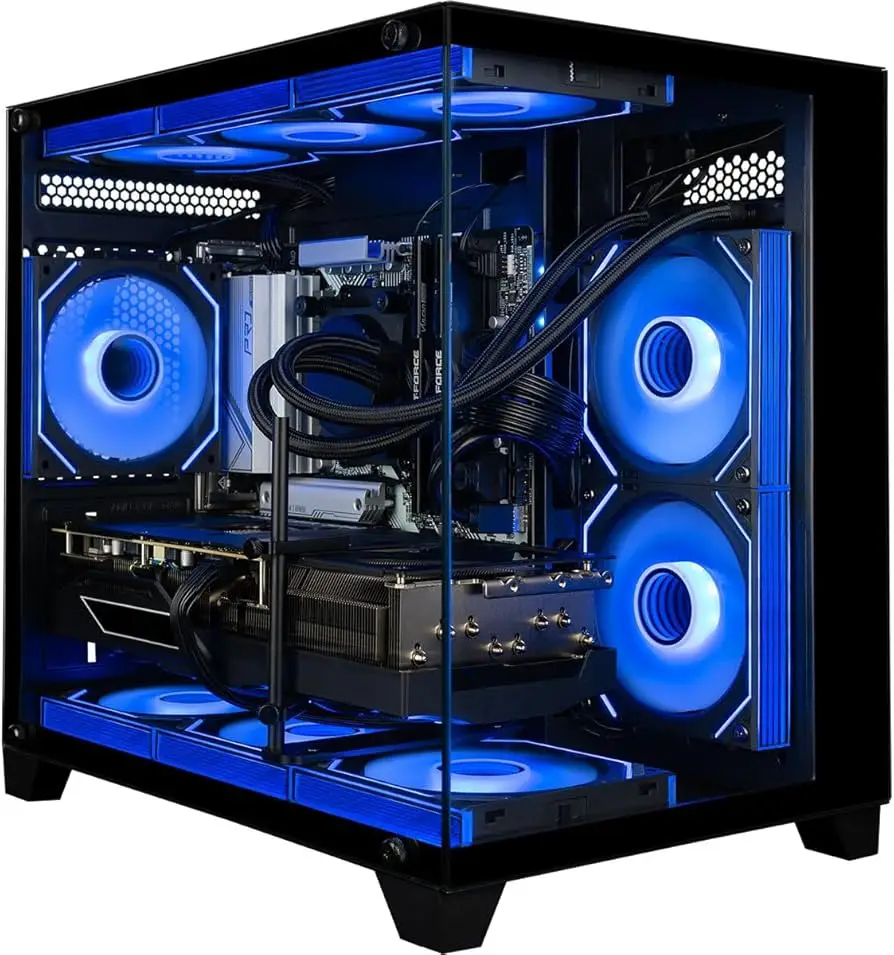
Mid-tower like Fractal Design Meshify 2 Compact. Pair with a 240mm AIO or Noctua air cooler. Good airflow prevents throttling.
To help compare, here's a useful table of sample builds tailored to common budgets in 2026 prices (approximate USD, excluding tax/shipping):
| Budget Level | CPU | GPU | RAM | Total Est. Cost | Best For |
|---|---|---|---|---|---|
| Entry ($600-800) | Ryzen 5 9600X | Integrated | 32GB DDR5 | $650 | Office/Productivity |
| Mid-Range ($1,000-1,400) | Ryzen 7 9700X | RTX 5060 | 32GB DDR5-6000 | $1,250 | 1440p Gaming |
| High-End ($1,800+) | Ryzen 9 9950X | RTX 5090 | 64GB DDR5-6400 | $2,200 | Content Creation/4K |
This table assumes current-gen parts; prices fluctuate, so use PCPartPicker for real-time checks.
You don't need a workshop. Grab these basics:
Double-check compatibility on PCPartPicker.com—it's free and flags issues automatically.
"My first build failed POST because I forgot to update the BIOS for the new CPU. Spent hours troubleshooting until a friend pointed it out. Always flash the motherboard BIOS first if required—saves headaches."
— Alex T., first-time builder, 2025
Now the fun part. Work in a clean, well-lit space. Take photos at each step for reference. Expect 2-4 hours.
If no POST, check basics: Reseat RAM, try one stick, verify PSU cables.
Download Windows 11 24H2 ISO to a USB via Rufus. Boot from it (BIOS boot order). Activate with key. Install NVIDIA/AMD drivers from official sites, not third-party.
Update chipset drivers, BIOS if newer version available. Tools like HWInfo monitor temps—aim under 80C load.
MSI Afterburner for GPU tweaks, Ryzen Master for AMD overclocks (easy auto-OC). Benchmark with Cinebench and 3DMark to verify performance.
Static discharge zaps parts—touch grounded metal often. Wrong PSU wattage causes crashes; calculate with OuterVision tool. Skipping cable management traps heat.
Bending CPU pins? Rare but fatal—use a credit card to lift gently if needed. Always research your specific parts on YouTube channels like Gamers Nexus for visuals.
No display? Try HDMI on mobo if using iGPU. Fans spin but no boot? Clear CMOS with jumper. Bluescreens? MemTest86 for RAM issues.
For 2026-specific quirks, like DDR5 training delays, patience—first boots take minutes.
Socket AM5 and LGA1851 promise support to 2027+. PCIe 5.0 SSDs hit 14GB/s reads. Efficient 3nm chips mean smaller PSUs. Communities on Reddit's r/buildapc offer real-time help.
Your custom PC will outperform most pre-builts for the same money, with easy upgrades. Gaming at 144fps? Fluid editing? You've got it.
Building teaches more than assembly—it's problem-solving. Start simple, iterate later. Track your build on PCPartPicker, share in forums. By following this beginner’s guide to building your first PC in 2026, you'll end up with a rig you're proud of. Questions? Dive into comments or Discord groups. Happy building!
Published: Monday, January 19, 2026 Viewed 21 times.
tepte.com: Your Questions and Answers Resource with a Wealth of General Knowledge
Are you seeking a one-stop destination for comprehensive knowledge and answers to your burning questions? Look no further than tepte.com! Our platform is your go-to source for a wide range of information, all conveniently presented in an easily accessible question and answer format.
At tepte.com, we pride ourselves on being your reliable knowledge hub. Whether you're curious about technology, science, history, or any other subject under the sun, our extensive General Knowledge (GK) knowledge base has you covered. We've made it our mission to provide you with in-depth insights and facts on an array of topics. Read more
