menu icon

Tepte.com

signin icon
close menu icon

Home - Hardware

Revive Your Laptop: Solutions for Heat, Power, and Performance Problems at Home

Hardware Troubleshooting: Fixing Common Laptop Issues Like Overheating and Battery Drain

Hardware Troubleshooting: Fixing Common Laptop Issues Like Overheating and Battery Drain

Revive Your Laptop: Solutions for Heat, Power, and Performance Problems at Home

Your laptop starts acting up—fans roaring like a jet engine, battery dying before lunch, or everything crawling at a snail's pace. These issues hit hard when you're in the middle of work or streaming a show. The good news? Most stem from everyday wear, dust buildup, or simple software glitches you can tackle right at home without spending a fortune. In this guide, we'll walk through hardware troubleshooting for overheating, battery drain, and sluggish performance. You'll get clear diagnostic steps, practical fixes using household tools and free software, and tips to keep things running smooth longer.

Spotting the Signs: Common Symptoms to Watch For

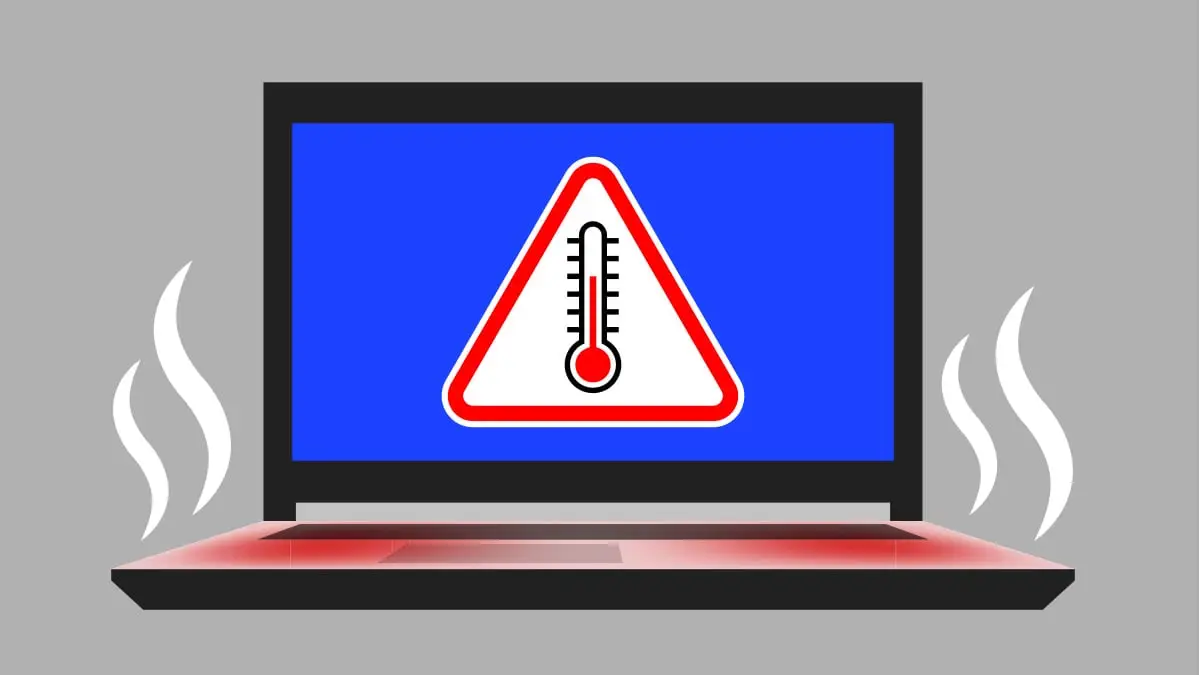
Before diving into fixes, know what to look for. Laptop overheating shows up as excessive fan noise, hot surfaces (especially the bottom or keyboard), sudden shutdowns, or throttling where apps lag. Battery drain means your charge drops fast even on light use, or it won't hold overnight. Slow speeds often pair with these, like boot times stretching minutes or apps freezing.

Grab a notepad and track: How long does the battery last now versus when new? Does heat spike during specific tasks like video editing? This baseline helps measure your progress.

Technician repairing overheating laptop with tools on workbench
A professional technician performs hardware troubleshooting on a laptop, addressing common problems like overheating and battery drain using specialized tools to diagnose and repair internal components for improved performance and longevity.

Troubleshooting Overheating: Step-by-Step Diagnosis

Overheating is the top culprit for performance dips. Laptops generate heat from the CPU and GPU, cooled by fans and heat sinks. Dust clogs these over time, trapping warmth.

  1. Run a temperature check. Download free tools like HWMonitor or Core Temp. Idle temps should hover 40-50°C; under load, under 90°C. Above 95°C? Red flag.
  2. Feel the chassis. Bottom vents hottest? Restricted airflow likely.
  3. Listen to fans. Constant high whine without heavy tasks points to dust or failing bearings.
  4. Check Task Manager (Ctrl+Shift+Esc on Windows). High CPU usage from background processes? Software side first.

If temps climb fast, proceed to fixes. Safety first: Unplug and let cool before opening anything.

Fixes for Laptop Overheating

Start simple—no need for pros yet.

  • Clean the vents. Use compressed air (canned or a bulb blower). Hold fans still with a pencil to avoid spinning damage. Blow short bursts from outside in.
  • Elevate your laptop. Prop the back on a book or cooling pad for better airflow. Hard surfaces trap heat; avoid laps or beds.
  • Update drivers and BIOS. Outdated graphics drivers force extra CPU work. Visit your manufacturer's site (Dell, HP, etc.) for the latest.
  • Repaste thermal compound. If comfy with internals, remove the bottom panel (screws vary by model—search "your model disassembly"). Clean old paste with isopropyl alcohol, apply pea-sized new paste (Arctic MX-4, cheap online). This drops temps 10-20°C often.

For stubborn cases, undervolt the CPU with ThrottleStop (Intel) or check AMD equivalents. Reduces power draw, cutting heat without much speed loss.

Laptop internal fan clogged with dust causing overheating issue
This close-up view reveals a laptop cooling fan heavily clogged with dust buildup, a frequent culprit behind overheating and thermal throttling problems. Regular cleaning of such vents and fans helps restore proper airflow, reduce high temperatures, and prevent related battery drain or performance issues in everyday use.
SymptomPossible CauseQuick FixExpected Temp Drop
Fans always maxedDust buildupCompressed air clean10-15°C
Hot during idleBackground appsTask Manager kill5-10°C
Shutdowns under loadPoor thermal pasteRepaste heat sink15-25°C
Throttling in gamesOutdated GPU driverDriver update5-15°C

This table summarizes quick wins. Test after each—monitor for 30 minutes of mixed use.

A Real-World Warning on Overheating Risks

"I ignored my laptop's rising temps for weeks, pushing through gaming sessions. One day, it shut down mid-render, and the GPU fried. Cost me $300 to replace—lesson learned: address heat early, or pay big later." – Tech forum user, shared on Reddit's r/Laptops.

Tackling Battery Drain: Diagnose the Drain

Battery drain frustrates everyone. Modern lithium-ion batteries degrade after 300-500 cycles, but fast drain signals issues. Expect 4-8 hours on light use for a 2-3 year old laptop.

Diagnosis checklist:

  1. Check battery health. Windows: Command Prompt, type powercfg /batteryreport. Look at design vs. full charge capacity (under 80%? Degraded).
  2. Run battery saver tests. Tools like BatteryBar track drain rates per app.
  3. Observe patterns. Drains overnight? Wake-on-LAN or apps like Spotify running.
  4. Hardware test: Charge to 100%, unplug, use normally. Note drop every 30 mins.

Proven Fixes for Battery Drain

Layer these from easiest:

  • Calibrate the battery. Charge to 100%, use till shutdown, recharge uninterrupted. Recalibrates the gauge.
  • Tweak power settings. Windows Search "Power & sleep"—set screen dim to 5 mins, sleep 10. Disable fast startup in Power Options.
  • Hunt power hogs. Sort Task Manager by battery use. End malware scans or cloud syncs during unplugged time.
  • Replace if needed. Under 70% health? New batteries cost $30-80 on Amazon/iFixit. Match exact model—easy swap for most (back panel off, disconnect cable).
  • Software optimizations. Update Windows, disable Bluetooth/Wi-Fi when unused. Browser tabs kill power—use extensions like The Great Suspender.

These can double your runtime. One user reported jumping from 2 to 5 hours post-calibration and tweaks.

Addressing Slow Speeds Tied to Hardware Woes

Slow performance often links back to overheating (throttling) or battery drain (power-saving modes). But hardware culprits like full drives or failing RAM play in.

Quick checks:

  • Free up storage: Aim for 20% empty. Delete temp files via Disk Cleanup.
  • Test RAM: Windows Memory Diagnostic (search it). Faulty sticks slow everything.
  • SSD/HDD health: CrystalDiskInfo flags bad sectors.

Fixes mirror earlier: Clean dust to end throttling. Upgrade to SSD if spinning drive ($40 for 500GB)—boot times plummet from minutes to seconds. Add RAM if under 8GB (clips in easily).

Daily Habits to Prevent Issues and Extend Life

Prevention beats cure. Weekly:

  1. Vacuum vents gently (no vac hose—static risk).
  2. Update all software monthly.
  3. Use on flat, hard surfaces.
  4. Store at 50% charge if long idle.

Track with apps like HWInfo for trends. These steps can add 1-2 years to your device affordably.

When to Call in Help

If fixes fail—temps still 100°C+, battery at 0% capacity, or crashes persist—hardware failure like bad motherboard. Local shops charge $50-100 diagnostics. Worth it before $1000 new buy.

armed with these hardware troubleshooting steps, your laptop should feel revived. Patience pays—most users fix 80% of issues DIY. Share your wins in comments; happy computing!

Published: Thursday, January 22, 2026 Viewed view icon 2 times.
Rate this:
Raiting: 5 / Total: 1

Comments / Discussions

You must sign in to use this section.
Discussions and comments

tepte.com

tepte.com ©2026

tepte.com: Your Questions and Answers Resource with a Wealth of General Knowledge

Are you seeking a one-stop destination for comprehensive knowledge and answers to your burning questions? Look no further than tepte.com! Our platform is your go-to source for a wide range of information, all conveniently presented in an easily accessible question and answer format.

At tepte.com, we pride ourselves on being your reliable knowledge hub. Whether you're curious about technology, science, history, or any other subject under the sun, our extensive General Knowledge (GK) knowledge base has you covered. We've made it our mission to provide you with in-depth insights and facts on an array of topics. Read more

Warning!

tepte.com is a questions and answers website created by users. tepte.com does not guarantee the accuracy of the information it publishes and cannot be held responsible for any damages resulting from actions taken based on this information. If you have any complaints regarding the published content, please send us a notification at the following email address: teptehelpdesk@gmail.com.