
Tepte.com


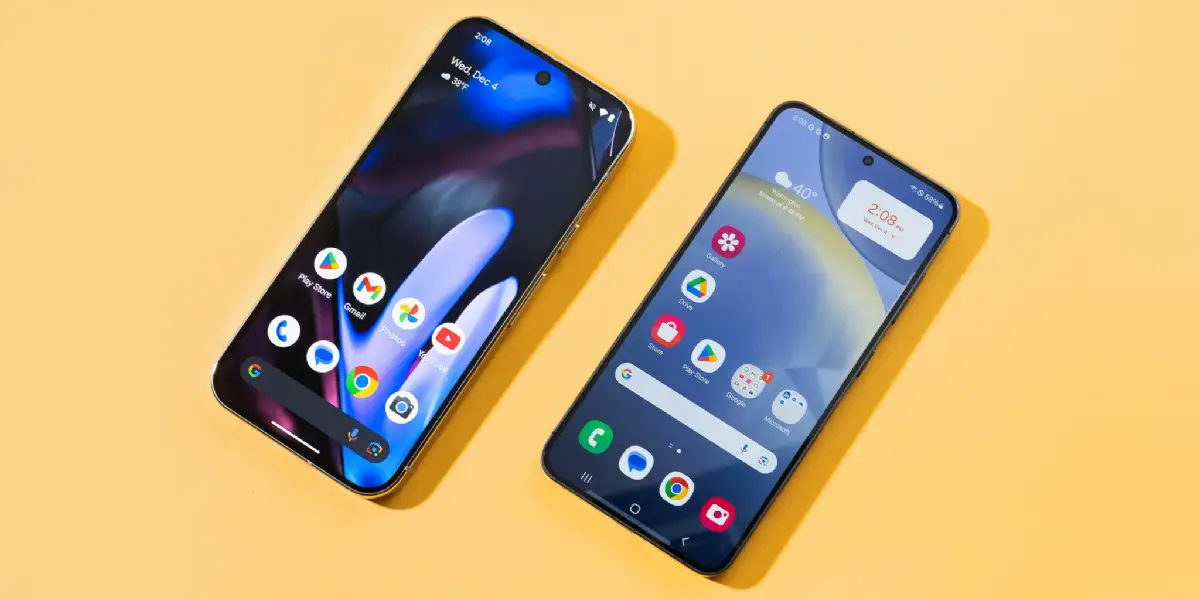
Ever feel like your Android phone is holding back on you? You've got the basics down, but there's a whole layer of hidden Android features waiting to be unlocked. These aren't gimmicks—they're practical tweaks that boost usability, let you customize your experience, and make daily tasks smoother. Whether you're on a Pixel, Samsung Galaxy, or another Android device, most of these work across versions like Android 14 and 15. Let's dive in and reveal what Google doesn't advertise.
Developer Options sounds intimidating, but it's your gateway to speed tweaks and diagnostics. Tap Build Number seven times in Settings > About Phone, and poof—it's there. Once enabled, head to Drawing for a 0.5x animation scale to make transitions snappier. You'll notice your phone feels faster without rooting or apps.
This isn't just for coders. Use it to monitor CPU usage or force GPU rendering for smoother gaming. Pro tip: Turn off ADB debugging when not in use to save battery.
Why press the power button every time? Enable Double Tap to Wake in Developer Options under Motion or Gestures (varies by manufacturer). Double-tap the screen when it's off, and it lights up. Pair it with Double Tap to Sleep from the notification shade for quick shutoffs.
On Samsung devices, it's under Advanced Features. This small change cuts down on pocket dials and keeps your screen pristine longer.
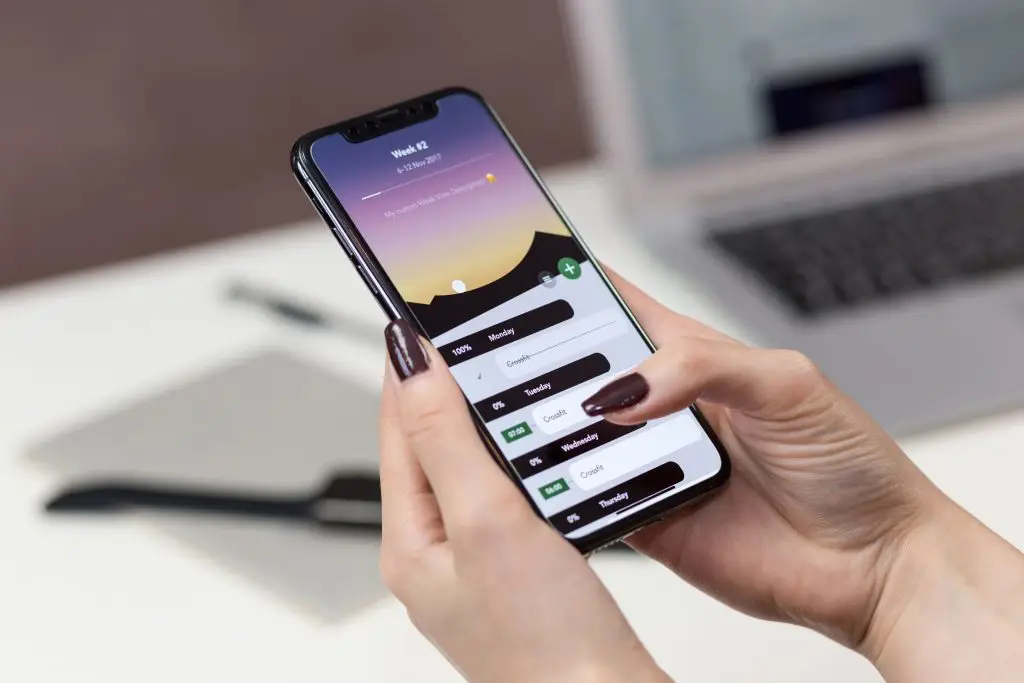
Edit your Quick Settings panel by swiping down twice and tapping the pencil icon. Drag in tiles for Private DNS, Data Saver, or even a flashlight brightness slider. Customize rows to fit your workflow—internet speed test tile for remote workers, anyone?
Hide unused tiles to declutter. Samsung users get extra ones like Edge Lighting for notifications that pulse around your screen edges.
Not every app plays nice with system dark mode? Override it in Settings > Display > Dark Theme, or per-app in Developer Options. This saves battery on OLED screens by dimming pixels.
For stubborn apps, use Developer Options > Force Dark. Your eyes will thank you during late-night scrolls, and it extends battery life noticeably.
Tired of USB tethering for app updates or screen mirroring? Enable Wireless Debugging in Developer Options. Pair via QR code or code, then sideload APKs or mirror to your PC effortlessly.
Perfect for gamers testing mods or creators sharing screens. Security note: Disable after use to avoid vulnerabilities.
I've wasted hours fumbling with cables before discovering wireless debugging—it's a game-changer, but always revoke permissions afterward. One forgotten toggle drained my battery overnight, so vigilance is key with these power-user tools.
Go beyond basic permissions. In Settings > Apps > Special App Access, revoke usage access for battery hogs or limit notifications to quiet hours. Android's Permission Manager now auto-resets unused ones.
Check Autofill Services to pick your preferred password manager. This keeps your data private without constant manual tweaks.
AirDrop who? Android's Quick Share (formerly Nearby Share) works across ecosystems. Enable in Connections or Quick Settings, set visibility to Contacts only, and share files instantly—even to Windows PCs.
Customize speed limits for large files. It's seamless for group photos or docs, faster than Bluetooth.
Settings > Battery shows usage, but tap Graph View for hourly breakdowns. Spot offenders with App Battery Usage details. Restrict background activity for culprits.
Enable Adaptive Battery to learn your habits and hibernate unused apps. Real-world tip: This reclaimed 2 hours daily on my mixed-use phone.
AOD isn't just clock and notifications. On Pixels, tweak in Settings > Display > Lock Screen. Add music controls, weather, or calendar glances. Samsung's Good Lock app expands this with fonts and complications.
Dim it further for battery savings. Wake words like "Hey Google" show context without unlocking.
| Criterion | Why It Is Important | Control Tip |
|---|---|---|
| Developer Options Access | Speeds up animations and enables diagnostics | Tap Build Number 7x in About Phone |
| Wireless Debugging | Eliminates cables for mirroring/sideloading | Enable in Dev Options, pair via QR |
| Force Dark Mode | Saves OLED battery, reduces eye strain | Dev Options > Force Dark toggle |
| Quick Share Visibility | Secure file sharing across devices | Set to "Contacts only" in Connections |
| Adaptive Battery | Optimizes based on usage patterns | Settings > Battery > Adaptive toggle |
Swipe navigation is standard, but hide the gesture bar in Developer Options > Navigation Mode for a cleaner look. Add back gesture sensitivity adjustments.
One UI on Samsung adds palm swipe to capture screenshots—trace an edge with your hand. Faster than button combos.
Built-in level indicator in the camera app keeps horizons straight—tap the horizon line when it glows yellow. Access pro modes for manual ISO/shutter without third-party apps.
Grid lines for composition, plus RAW capture on Pixels. Everyday photographers, this elevates your shots.
Long-press volume buttons for a full menu with media, alarm, and ring sliders. Enable Absolute Volume in Developer Options for precise Bluetooth control.
Samsung's Sound Assistant remaps keys—volume up for music only. Tailor audio to your ears.
Encrypt DNS queries in Settings > Network > Private DNS. Pick dns.google or Cloudflare's 1.1.1.1. Blocks trackers and speeds up sites.
Fallback to automatic if issues arise. Essential for public Wi-Fi warriors.
Force full-screen in Developer Options > Force Activities to be Resizable. Multitask with split-screen pops—drag from recents for floating windows on supported devices.
Picture-in-Picture for YouTube while browsing. Productivity skyrockets.
Missed a ping? Settings > Notifications > Notification History revives them. Customize channels per app for granular control—mute groups without silencing all.
Bubble up favorites. Your shade stays relevant.
These hidden Android features transform your phone from good to great. Experiment safely, update your OS for the latest, and share your favorites in comments. Your daily convenience just leveled up—go try them now.
Published: Saturday, January 17, 2026 Viewed 6 times.
tepte.com: Your Questions and Answers Resource with a Wealth of General Knowledge
Are you seeking a one-stop destination for comprehensive knowledge and answers to your burning questions? Look no further than tepte.com! Our platform is your go-to source for a wide range of information, all conveniently presented in an easily accessible question and answer format.
At tepte.com, we pride ourselves on being your reliable knowledge hub. Whether you're curious about technology, science, history, or any other subject under the sun, our extensive General Knowledge (GK) knowledge base has you covered. We've made it our mission to provide you with in-depth insights and facts on an array of topics. Read more
