
Tepte.com


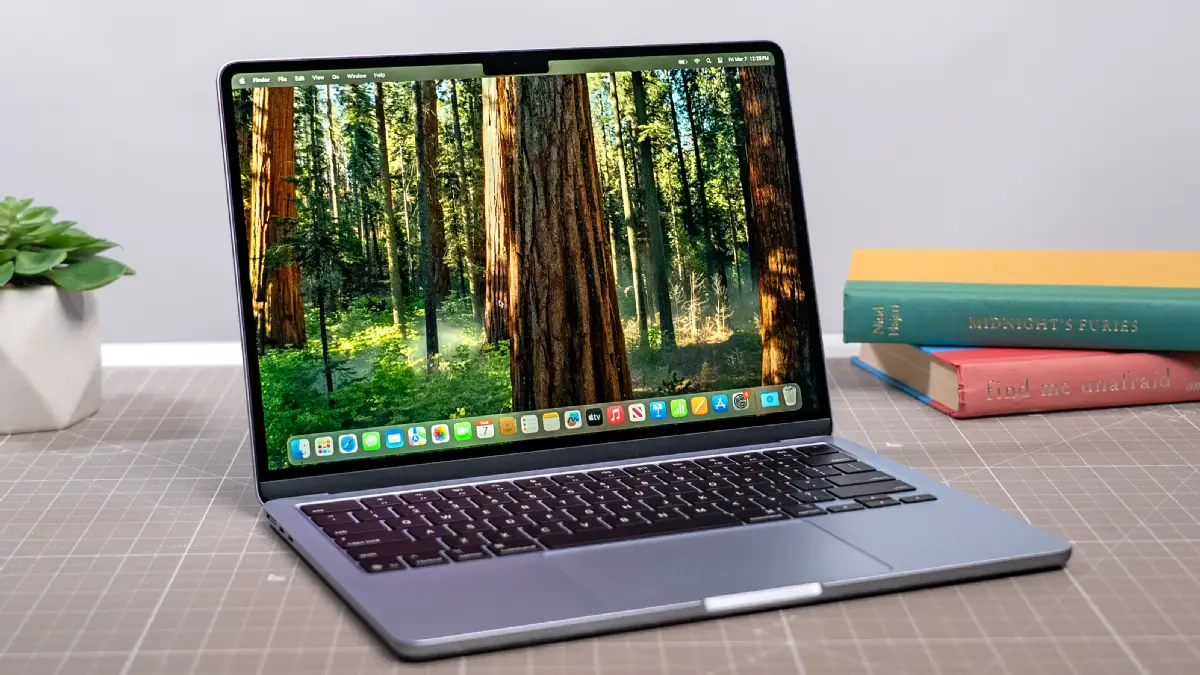
As a student heading into 2026, your laptop is more than just a gadget—it's your lifeline for classes, projects, research, and downtime. With remote learning still common and tools like AI-assisted study apps on the rise, picking the best laptop for students means balancing performance, battery life, price, and your specific study needs. This guide breaks it down step by step, so you can make a smart choice without getting overwhelmed by flashy ads or confusing specs.
Whether you're commuting to campus, pulling all-nighters in a dorm, or juggling online courses from home, the right machine keeps you productive. We'll cover everything from processors to ports, with real tips tailored for 2026's tech landscape, where hybrid work-study models demand versatile devices.
Every student is different. A high schooler tackling basic essays needs far less power than a college engineering major running simulations. Begin by listing your daily tasks: Do you write papers in Google Docs, edit videos for media class, code apps, or analyze data in spreadsheets?
For general use—like note-taking, web browsing, and streaming lectures—focus on reliability over raw speed. Creative fields such as graphic design or film studies call for strong graphics capabilities. STEM students might prioritize multi-core processors for software like MATLAB or AutoCAD.
Ask yourself: How portable does it need to be? If you're backpacking across campus, weight under 3.5 pounds matters. For desk-bound work, a slightly bulkier model with a bigger screen could boost comfort during long sessions.
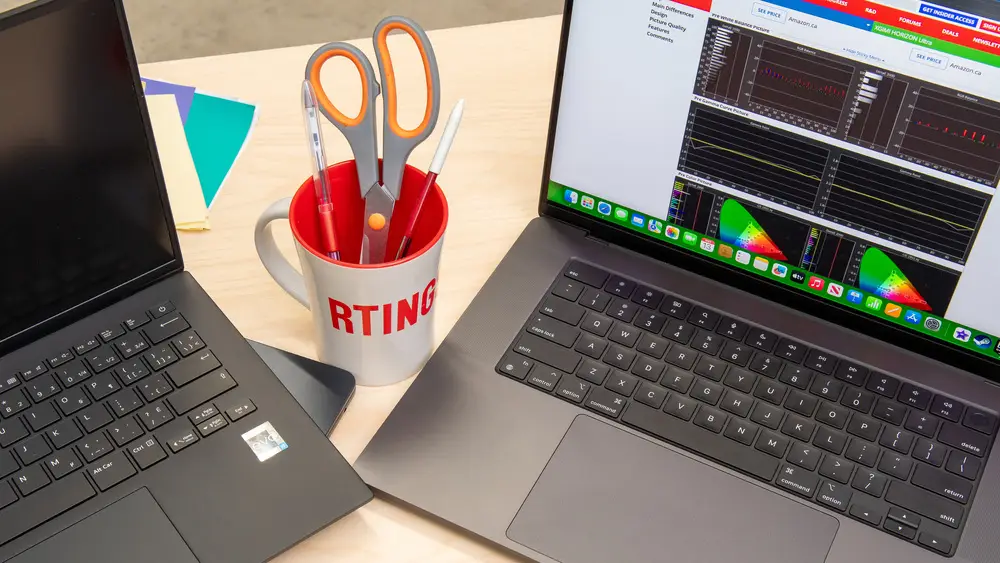
In 2026, laptop processors have evolved with AI chips becoming standard, making everyday tasks smoother. For students, aim for at least an Intel Core i5, AMD Ryzen 5, or Apple M3 equivalent—these handle multitasking without hiccups.
RAM is non-negotiable: 16GB is the sweet spot for 2026. It lets you run multiple tabs, Zoom calls, and apps simultaneously. 8GB might suffice for light use but will lag with modern browsers and AI tools. Storage-wise, 512GB SSD is minimum; NVMe drives are faster and more reliable than HDDs.
Graphics matter too. Integrated GPUs work for most, but dedicated options like NVIDIA RTX 3050 shine for 3D modeling or light gaming during breaks.
Nothing kills productivity like a dead battery mid-lecture. Target battery life of 10-12 hours for real-world use—tested under mixed workloads, not just video playback. Look for fast-charging tech that hits 50% in 30 minutes.
Brands like Dell and Lenovo excel here with efficient chips. Avoid models that throttle performance to save power; check reviews for sustained battery claims. In 2026, expect better efficiency from ARM-based processors, rivaling Intel in longevity.
A crisp display reduces eye strain during marathon study sessions. Go for 14-16 inch screens with 1080p minimum resolution; 2K or OLED is ideal for designers. Matte anti-glare finishes beat shiny ones in bright dorms.
Build quality ensures durability. Aluminum chassis resist dents better than plastic. Keyboards with good travel and backlighting are musts for late-night typing. Touchscreens add versatility for tablets-like note-taking, but they drain battery faster.
| Student Type | Recommended Screen Size | Ideal Resolution | Best For |
|---|---|---|---|
| General/High School | 13-14 inches | Full HD (1920x1080) | Portability, notes, browsing |
| College Liberal Arts | 14-15 inches | Full HD or 2K | Essays, research, multitasking |
| Engineering/STEM | 15-16 inches | 2K or 4K | Coding, simulations, data viz |
| Design/Media | 15-17 inches | 4K or OLED | Editing, color accuracy |
This table summarizes display picks by major—use it to match your needs and avoid underspeccing.
Price is a top concern for students. Budget under $700 gets you basics like Chromebooks or entry AMD/Intel laptops—great for web-based work. Mid-range $800-$1,200 offers the best bang: solid performance and battery for most majors.
Premium $1,300+ is for heavy users, with extras like superior build and warranties. Student discounts from Apple, Microsoft, and Dell can shave 10-20% off. Refurbished or last-gen models often match new ones at lower costs, especially as 2026 refreshes hit.
Factor in total ownership: A $900 laptop lasting four years beats a $500 one needing replacement in two.
"I splurged on a budget laptop my freshman year to save cash, but its battery lasted barely four hours, and it overheated during online exams. By sophomore year, I upgraded to a mid-range model with 12-hour battery—it changed everything. Don't skimp on essentials; regret hits hard during crunch time." — Sarah, college junior, computer science major.
Modern students need versatility. USB-C ports (at least two, with charging support) are standard in 2026—perfect for external drives, monitors, and phones. HDMI for projectors, SD card slots for photographers, and Wi-Fi 6E for campus networks keep you connected.
Webcams hit 1080p with AI noise cancellation; microphones should be clear for group projects. Security features like fingerprint readers protect your work. Warranty and support? Opt for at least one-year coverage, extendable via student plans.
Tech moves fast, but your laptop should last. Choose models with upgradeable RAM/SSD where possible—though soldered components dominate, good initial specs future-proof better. AI acceleration in chips handles emerging apps like real-time translation or study bots.
Check for Windows 11/12 compatibility or macOS updates. Eco-friendly builds with recyclable materials appeal to sustainability-minded students. Read recent reviews on sites like PCMag or Reddit's r/Laptops for 2026-specific insights.
To wrap up, run through this practical checklist:
By focusing on performance, battery life, price, and your unique study needs, you'll land the perfect 2026 student laptop. It's an investment in your success—take your time, and you'll study smarter, not harder.
Published: Monday, January 19, 2026 Viewed 6 times.
tepte.com: Your Questions and Answers Resource with a Wealth of General Knowledge
Are you seeking a one-stop destination for comprehensive knowledge and answers to your burning questions? Look no further than tepte.com! Our platform is your go-to source for a wide range of information, all conveniently presented in an easily accessible question and answer format.
At tepte.com, we pride ourselves on being your reliable knowledge hub. Whether you're curious about technology, science, history, or any other subject under the sun, our extensive General Knowledge (GK) knowledge base has you covered. We've made it our mission to provide you with in-depth insights and facts on an array of topics. Read more
