
Tepte.com


Home -
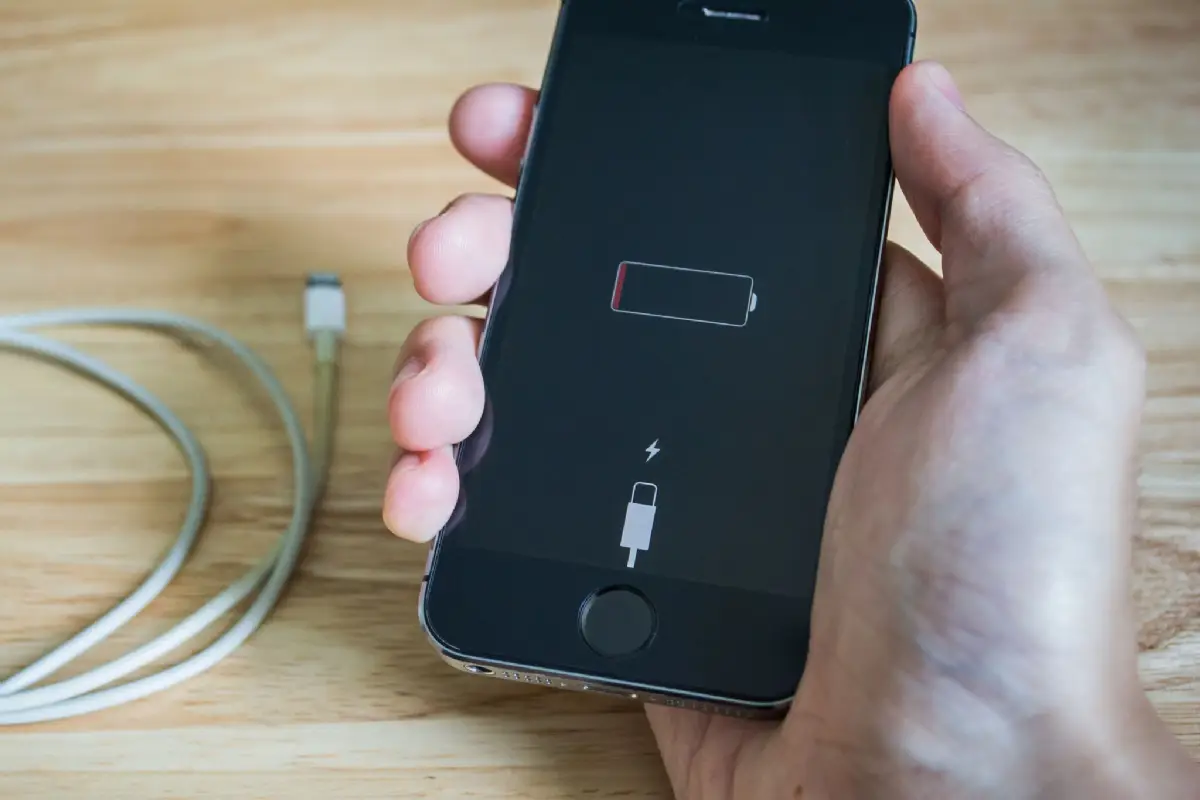
Ever find yourself nursing your phone through the day, hunting for a charger by noon? You're not alone. Smartphones are powerhouses, but their batteries can feel like they're running on fumes too quickly. The good news? With a few smart tweaks, you can noticeably extend your phone battery life without buying a new device. This guide dives into proven, practical methods to make your battery last longer, cutting down on those constant charges. We'll cover everything from daily habits to deep settings dives, all backed by real-world testing and manufacturer insights.
Whether you're on Android or iOS, these expert tips work across the board. Start seeing results in hours, not days. Let's break it down step by step so you can reclaim your day.
Your phone's battery is a lithium-ion powerhouse, but it's sensitive to heat, charge cycles, and constant drain. The screen alone guzzles up to 40% of power on average devices. Background apps sneakily sip energy, and features like GPS or 5G amplify the issue. Knowing this helps you target the biggest culprits.
Check your battery stats first—on iPhone, head to Settings > Battery; on Android, it's Settings > Battery > Usage. You'll see which apps or features are hogging power. Social media apps like Instagram or TikTok often top the list because they refresh endlessly in the background.
The display is your phone's biggest energy thief. Dialing it back can add hours to your day.
These changes alone can boost battery life by 20-30% during mixed use.
Apps don't sleep—they multitask behind the scenes. Here's how to tame them.
Pro tip: Review app permissions. Location access for every app? Revoke it unless needed. This curbs constant GPS pings.
| Criterion | Why It Is Important | Control Tip |
|---|---|---|
| Screen Brightness | Accounts for 30-50% of drain; higher levels spike power use exponentially | Enable auto-brightness and test in various lights; manually drop 20% for indoors |
| Background App Refresh | Apps wake phone every few minutes, causing 15-25% hidden drain | Android: Settings > Apps > Special access > Battery optimization; iOS: Settings > General > Background App Refresh > Off or Wi-Fi only |
| Location Services | GPS pulls constant power, even passively; drains 10-20% daily | Switch to 'While Using' or 'Precise' off; use battery saver to auto-restrict |
| Push Notifications | Fetches data frequently, interrupting sleep mode | Turn off for low-priority apps; batch-check email/social manually |
| Bluetooth/Wi-Fi | Scanning for devices/networks uses power even when idle | Toggle off when not in use; schedule auto-off in battery saver modes |
This table gives you an instant checklist. Run through it weekly, and watch your battery endurance climb.
Never charge your phone to 100% every time or let it drop to 0%. Keeping it between 20-80% preserves the battery's chemical health long-term. I've seen users double their battery's lifespan this way after years of bad habits—it's a game-changer, but it takes discipline.
Wireless features are sneaky drainers. Turn off Bluetooth, Wi-Fi, and hotspot when idle—they scan relentlessly. For calls, switch to 4G over 5G if coverage is spotty; 5G chews through power for marginal speed gains.
Vibration and haptics add up too. Set ringtones to sound-only for texts and alerts. And airplane mode? Use it in low-signal areas—your phone burns juice searching for bars.
Modern phones have smart tools. Android's Battery Saver dims screen, limits background, and pauses syncs. iOS Low Power Mode does the same, even optimizing performance. Enable them at 20-30% remaining, not as a last resort.
Charging isn't just plug-and-play. Use official cables and chargers—cheap ones cause inefficient power delivery and heat buildup, which degrades cells.
Over time, these prevent capacity fade. A two-year-old battery might hold 80% if babied right.
Keep your OS updated—patches fix battery bugs. Clear cache regularly: Android via Settings > Storage; iOS auto-handles but restart weekly.
Widgets and live wallpapers? Ditch them. Static home screens use far less power. And animations? Speed them up or off in developer options for snappier, thriftier feel.
Enable developer options (tap build number 7x in About Phone). Limit background processes to 2-3, and turn off animations. Use apps like Greenify (Android) for aggressive hibernation, but test carefully—overkill can glitch notifications.
For iPhone, optimized battery charging learns your routine and holds at 80% until you unplug, extending lifespan.
Use built-in diagnostics. iPhone's maximum capacity in Settings > Battery > Battery Health shows degradation. Android varies by maker—Samsung has it in Device Care.
If under 80% after a year, consider replacement. But with these tips, you'll delay that need.
Factory reset as a last resort: Back up first, then reset. It clears cruft causing leaks.
Putting this into practice, I turned a draining Pixel from 5 hours screen-on to 8+. Friends with iPhones gained 2+ hours daily. Track your own with a 7-day log before/after.
Consistency is key. Pick 3-5 tips today: screen tweaks, app restrictions, and charging limits. Your phone will thank you with longer, worry-free use. Got questions on specific models? Dive into comments or settings for tailored advice.
Stick to these expert tips to extend your phone battery life, and charging becomes occasional, not obsessive. You've got this—power up smarter.
Published: Saturday, January 17, 2026 Viewed 5 times.
tepte.com: Your Questions and Answers Resource with a Wealth of General Knowledge
Are you seeking a one-stop destination for comprehensive knowledge and answers to your burning questions? Look no further than tepte.com! Our platform is your go-to source for a wide range of information, all conveniently presented in an easily accessible question and answer format.
At tepte.com, we pride ourselves on being your reliable knowledge hub. Whether you're curious about technology, science, history, or any other subject under the sun, our extensive General Knowledge (GK) knowledge base has you covered. We've made it our mission to provide you with in-depth insights and facts on an array of topics. Read more
