
Tepte.com


Your smartphone is packed with photos, apps, and messages that pile up over time, eating into your available storage. If you've ever seen that dreaded "storage full" warning pop up right when you need to snap a quick picture or download a new app, you're not alone. The good news is that reclaiming space doesn't require buying a new device or wiping everything clean. With a few straightforward steps, you can free up storage space on your smartphone and keep it running smoothly.
This guide walks you through practical, tested methods to identify and remove unnecessary files, apps, and media. Whether you're on Android or iOS, these tips apply broadly, though menu locations might vary slightly. Start by checking your current storage breakdown to focus your efforts where they'll make the biggest impact.
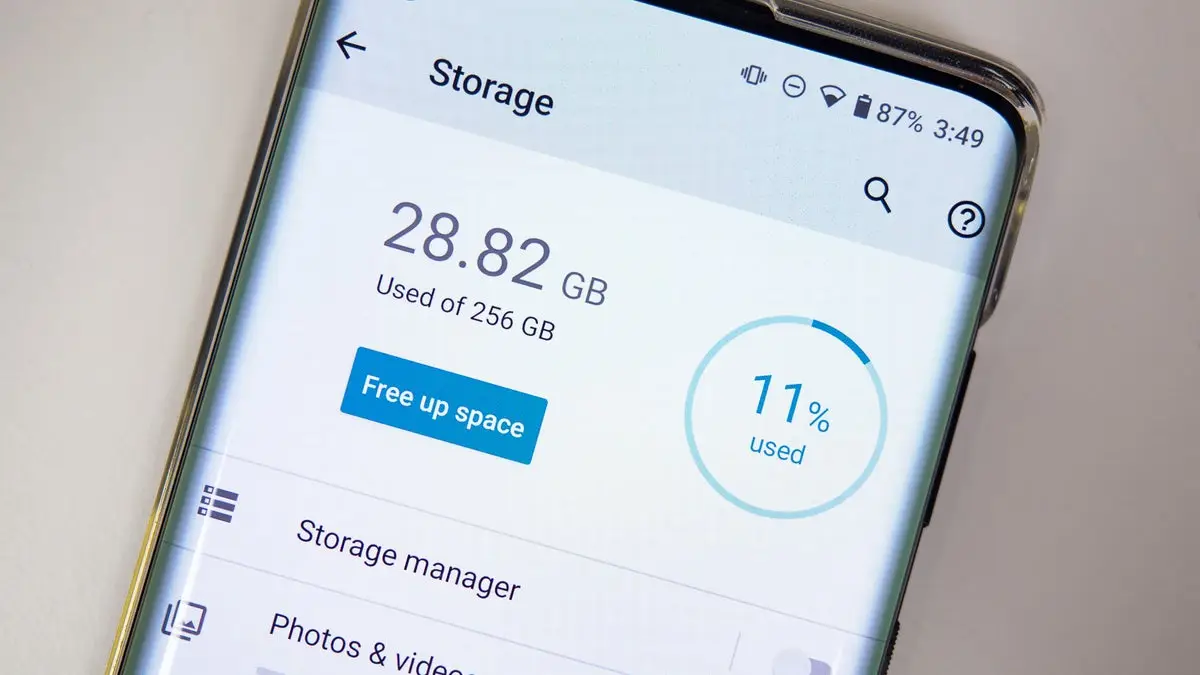
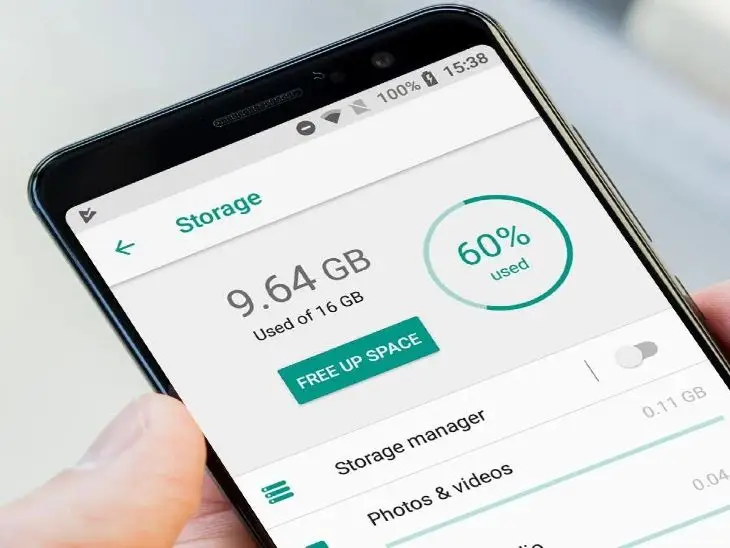
Before diving into deletions, get a clear picture of what's taking up room. On Android, head to Settings > Storage (or About Phone > Storage on some models). iPhone users go to Settings > General > iPhone Storage. You'll see a colorful chart or list showing categories like apps, photos, and system data.
Pay attention to surprises here—old podcasts or cached videos from streaming apps often hog gigabytes without you realizing it. Note the top offenders and tackle them one by one. This step alone can reveal quick wins, like an app you forgot about that's using 5GB.
Apps are frequent storage hogs, especially those with offline downloads or large updates. Scroll through your app list in the storage menu and uninstall anything you haven't opened in months. On Android, long-press the app icon and select Uninstall; on iOS, do the same from the storage screen.
Don't stop at full deletions—consider offloading. Android's "offload" feature removes the app but keeps your data, freeing space until you need it again. iOS calls this "Offload Unused Apps," which you can enable automatically. This way, you free up storage space on your smartphone without losing login info or progress.
Every app builds up cache—temporary files for faster loading. While useful, it balloons over time. For Android, go to Settings > Apps > See All Apps, select one, then Storage > Clear Cache. Be cautious with Clear Data, as it resets the app like it's new.
On iPhone, apps don't have a direct cache clear, but deleting and reinstalling does the trick for most. Target heavy users like social media or browsers first. Regularly clearing cache can reclaim hundreds of megabytes effortlessly.
Media libraries are often the biggest culprits. High-res photos and 4K videos from your camera roll add up fast. Here's how to slim them down:
Compress existing files too. Apps like Google Photos or Apple's Photos offer built-in tools to reduce file sizes without noticeable quality loss. Aim to keep only irreplaceable media on-device.
Chats in WhatsApp, iMessage, or Telegram fill up with memes, GIFs, and documents. In WhatsApp, go to Settings > Storage and Data > Manage Storage to see which chats are using the most space, then delete specific files. iMessage users can swipe left on conversations in the storage menu to offload.
Set auto-delete for old attachments—WhatsApp lets you limit media storage to 30 days or more. This prevents future buildup while keeping recent convos intact.
| Common Storage Culprits | Average Space Used | Quick Fix |
|---|---|---|
| WhatsApp Media | 2-10 GB | Delete old chats/files |
| Google Photos Cache | 1-5 GB | Backup & clear local |
| Social Media Apps (Instagram, TikTok) | 500MB-3GB | Clear cache/offload |
| Streaming Downloads (Netflix, Spotify) | 1-8 GB | Remove offline content |
| Old Screenshots | 200MB-2GB | Bulk delete via Photos app |
This table highlights typical space thieves based on real user reports. Use it as a checklist to prioritize your cleanup.
Why delete when you can archive? Services like Google Drive, iCloud, or Dropbox let you move files off-device. Upload photos to Google Photos (free up to 15GB) or enable iCloud Photos optimization. For documents, scan and store in Drive—apps like Adobe Scan make PDFs tiny.
Android's Files app has a "Free up space" tool that scans for cloud-backed items and removes local duplicates. Set this to run weekly for ongoing maintenance. Just ensure you have a stable internet connection for access later.
"I ignored my storage warnings for months until my phone started lagging during video calls. Turns out, 12GB of forgotten podcast downloads and WhatsApp voice notes were the issue. Clearing them in one afternoon gave me back breathing room—and my phone felt brand new." – Sarah T., app developer
Downloads folders overflow with PDFs, APKs, and installers you meant to delete. Open your file manager (Files by Google on Android, Files app on iOS) and sort by size. Trash anything outdated.
Browsers like Chrome accumulate cache and saved pages. In Chrome settings, tap Privacy > Clear Browsing Data, selecting Cached Images. Do this monthly to prevent creep. Also, revoke download prompts for apps that auto-save files.
These steps form a solid routine. Combine them for maximum effect—users report gaining 20-50% more space on average.
Android offers more granular control with apps like CCleaner (use cautiously) or the native Storage Manager, which suggests large files to delete. iOS keeps it simpler with Recommendations in Settings, auto-handling junk like old iOS updates.
Both platforms now prioritize user privacy, so cleaning won't expose data. If you're switching ecosystems, transfer media via Google Takeout or iCloud export first to avoid double-storage.
Once cleared, stay ahead by setting limits. In Google Photos, cap local backups; on iPhone, buy iCloud if needed (starts at $0.99/month for 50GB). Review storage monthly—set a calendar reminder.
Consider external options like USB OTG drives for Android or wireless backups. Apps like Autosync for Drive keep folders mirrored without duplicates.
In summary, freeing up storage space on your smartphone boils down to regular check-ins and targeted cleanups. Start with your storage screen today, hit the big categories like apps and media, and use cloud backups to keep essentials safe. Your phone will thank you with faster performance and fewer frustrations. If space stays tight, it might be time for a model with more base storage, but these tricks should carry you far.
Published: Wednesday, February 25, 2026 Viewed 9 times.
tepte.com: Your Questions and Answers Resource with a Wealth of General Knowledge
Are you seeking a one-stop destination for comprehensive knowledge and answers to your burning questions? Look no further than tepte.com! Our platform is your go-to source for a wide range of information, all conveniently presented in an easily accessible question and answer format.
At tepte.com, we pride ourselves on being your reliable knowledge hub. Whether you're curious about technology, science, history, or any other subject under the sun, our extensive General Knowledge (GK) knowledge base has you covered. We've made it our mission to provide you with in-depth insights and facts on an array of topics. Read more
