
Tepte.com


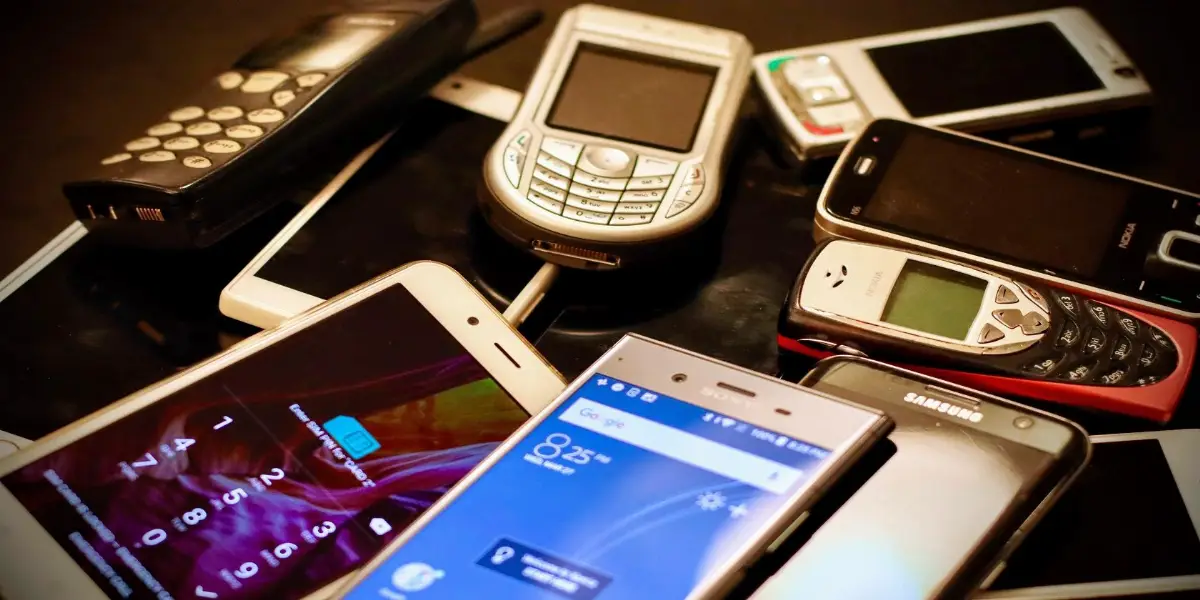
Your old smartphone might be gathering dust in a drawer, but with a few targeted tweaks, it can handle your daily tasks just as smoothly as it did years ago. Whether it's lagging during video calls or dying before lunch, these practical steps focus on boosting performance, stretching battery life, and enhancing usability. No need for fancy tools or expensive upgrades—most of these changes use built-in features on Android or iOS devices.
Think about why your phone feels sluggish: apps hogging memory, bloated storage, or background processes eating power. By addressing these, you'll notice quicker app launches, longer uptime, and a interface that responds like new. Let's dive into the specifics.
The first step to reviving your phone's speed is tackling storage and cache buildup. Over time, temporary files and unused apps pile up, slowing everything down.
Start by reviewing your app list. Long-press icons or go to settings to uninstall anything you haven't opened in months. On Android, head to Settings > Apps; on iPhone, it's Settings > General > iPhone Storage. Aim to free up at least 20% of your total storage—this alone can cut load times significantly.
Next, clear cache. For individual apps, select them in settings and choose "Clear Cache." Avoid clearing data unless necessary, as it logs you out. Tools like Google's Files app (Android) or built-in storage managers make sorting photos, videos, and downloads straightforward. Transfer old media to cloud storage like Google Drive or iCloud to keep space open.
Apps running in the background drain resources. On Android, enable battery optimization: Settings > Battery > Battery Optimization, then select apps to restrict. For iOS, check Settings > Battery to see offenders and limit them.
Restart your phone weekly. This closes all processes fresh, giving RAM a clean slate. If your device supports it, turn on developer options (tap Build Number seven times in About Phone) and limit background apps to four.
Battery life degrades naturally after 300-500 charge cycles, but habits and settings can reclaim hours. Focus on what you control rather than blaming the hardware.
The screen is the biggest power hog. Lower brightness to 30-50% or enable adaptive brightness. Switch to dark mode if available—OLED screens save power on black pixels. Reduce screen timeout to 30 seconds when not in use.
Bluetooth, Wi-Fi scanning, and GPS constantly search, sipping battery. Turn off Bluetooth when not pairing devices. Set location to "While Using the App" only. For Wi-Fi, forget unused networks to stop scanning.
Enable Low Power Mode (iOS) or Battery Saver (Android) during heavy use—it dims the screen, pauses downloads, and sends texts instead of iMessages.
| Common Battery Drain | Impact | Quick Fix |
|---|---|---|
| High screen brightness | 30-40% of daily usage | Adaptive brightness + dark mode |
| Background app refresh | 20% drain | Restrict to Wi-Fi only or off |
| Location services | 15-25% for always-on | App-specific access only |
| Push notifications | 10% from frequent checks | Batch or manual fetch |
| Vibrations/haptics | 5-10% extra | Disable for calls and alerts |
This table highlights top culprits based on typical user patterns. Implement these, and expect 20-50% more daily battery depending on your model.
Beyond speed and power, make your phone easier to use daily. Small changes create a fresh feel without new hardware.
Outdated OS misses optimizations. Check for updates: Settings > Software Update. Install them on Wi-Fi to avoid data use. Update apps via Play Store or App Store—developers fix bugs that cause lags.
If your phone is too old for latest OS, stick to security patches. They improve stability without demanding more resources.
Reorganize your home screen: group apps into folders, pin favorites, and remove clutter. On Android, use launchers like Nova for lighter alternatives. iOS users can tweak widgets for quick info access.
For deeper refreshes, consider these without voiding warranties.
Backup first via cloud or computer. Then, Settings > General > Reset (iOS) or Settings > System > Reset (Android). This wipes everything, restoring factory speed—but reinstall selectively to avoid re-cluttering.
"I tried every tip online, but my three-year-old phone still crawled until I did a factory reset. It felt brand new for months, but the real lesson was avoiding app bloat afterward. Don't skip backups—lost family photos once!"
— Tech enthusiast sharing on Reddit
To keep gains, adopt routines. Weekly cache clears, monthly storage audits, and mindful app installs prevent regression. Track battery stats in settings to spot issues early.
Replace the battery if it's over two years old—services like iFixit or carrier stores do this affordably, often under $100. Clean ports and case for better heat dissipation, as overheating throttles performance.
Consider lightweight apps: use browser tabs over multiple apps, or lighter alternatives like Firefox Focus for privacy-focused browsing.
These steps transform frustration into reliability. Users report apps opening twice as fast and batteries lasting a full day again. Test one section at a time—start with storage cleanup for quick wins.
Your phone's processor and screen are solid; it's the software cruft holding it back. With consistent effort, it'll serve well until you're ready for an upgrade. Share your results in comments—what tip worked best for you?
By focusing on performance through decluttering, extending battery life via settings, and improving usability with personalization, your old smartphone regains its edge. No gimmicks, just proven methods that work across devices.
Published: Tuesday, April 7, 2026 Viewed 20 times.
tepte.com: Your Questions and Answers Resource with a Wealth of General Knowledge
Are you seeking a one-stop destination for comprehensive knowledge and answers to your burning questions? Look no further than tepte.com! Our platform is your go-to source for a wide range of information, all conveniently presented in an easily accessible question and answer format.
At tepte.com, we pride ourselves on being your reliable knowledge hub. Whether you're curious about technology, science, history, or any other subject under the sun, our extensive General Knowledge (GK) knowledge base has you covered. We've made it our mission to provide you with in-depth insights and facts on an array of topics. Read more
