
Tepte.com


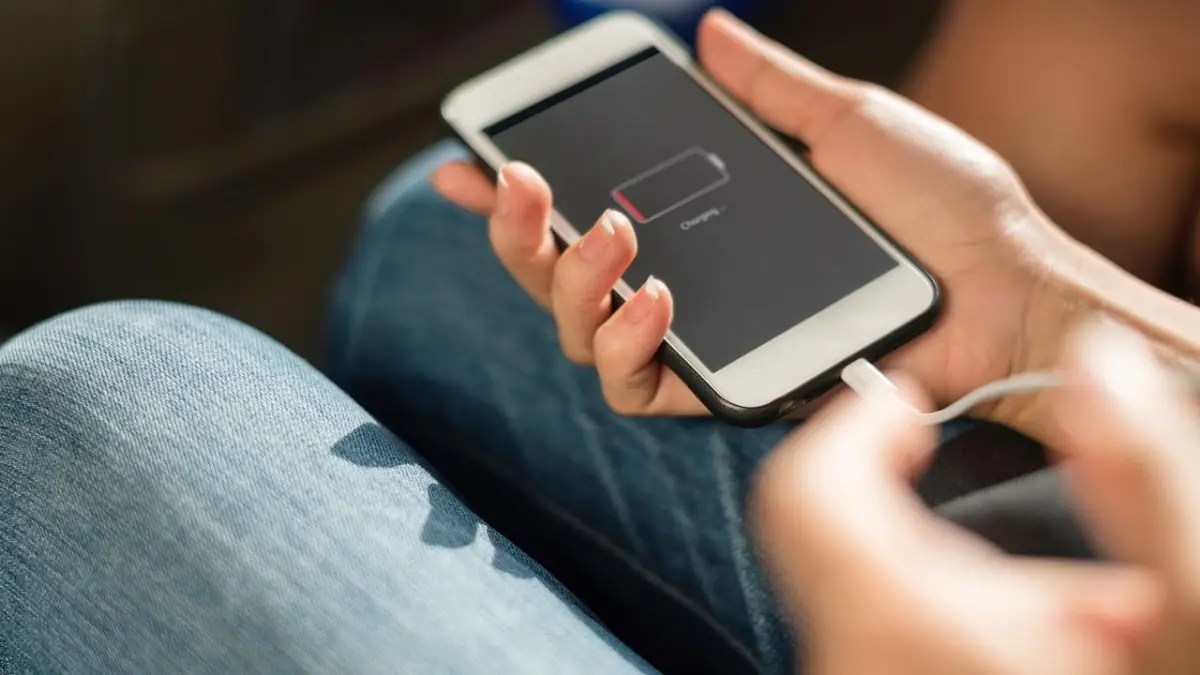
Your smartphone is indispensable, but nothing frustrates more than watching the battery percentage plummet throughout the day. Often, the culprit isn't the screen brightness or heavy usage—it's the apps running silently in the background. These battery-hungry apps keep pulling power even when you're not actively using them. The good news? You can identify and tame them with a few straightforward steps. In this guide, we'll uncover hidden causes of fast battery drain and show you exactly how to make your phone last longer each day.
Apps consume battery through various activities: constant location tracking, push notifications, syncing data in the background, or even faulty code that prevents them from sleeping properly. On Android and iOS, the operating systems try to manage this, but some apps override those controls. For instance, social media apps like Facebook or Instagram frequently refresh feeds, while navigation apps like Google Maps chew through power with GPS.
According to battery stats on most devices, the top offenders account for up to 50% of daily drain. If you've ever charged your phone midday, apps draining your battery are likely the hidden issue. Understanding this lets you take control without sacrificing functionality.
Both Android and iOS have built-in tools to reveal which apps are guzzling power. Start here to pinpoint the problems.
On Android:
On iOS (iPhone):
Once identified, note patterns. Is it always the same few apps at the top? That's your starting point for fixes.
Not all battery drain is obvious. Here are sneaky reasons apps sap your power:
These features are useful but turn voracious when unchecked. Weather apps updating every minute or messaging apps polling servers non-stop add up fast.
| App Category | Typical Daily Drain (%) | Why It Happens | Quick Fix |
|---|---|---|---|
| Social Media | 20-35% | Feed refreshes, video auto-play | Limit background refresh |
| Navigation/Maps | 15-25% | GPS and screen-on time | Disable when not navigating |
| Email/Calendar | 10-20% | Push sync every few minutes | Switch to fetch manually |
| Streaming/Video | 25-40% | High-res playback, buffering | Lower quality settings |
| Games | 30-50% | Graphics processing | Close fully after playing |
This table draws from average user reports across devices. Use it as a reference when reviewing your own battery stats—your numbers might vary, but the patterns hold.
Now that you've spotted the offenders, here's how to rein them in. These methods work on both platforms with minor tweaks.
Apply these selectively. For example, keep navigation apps precise during trips but restrict them otherwise.
"I used to charge my phone three times a day until I checked battery stats. Facebook was eating 40% in the background from endless notifications and location pings. After restricting it, my battery now lasts until bedtime—and I still get updates when I open the app."
— Sarah T., Android user sharing on a tech forum
Beyond basics, dive deeper to squeeze every drop from your battery. First, monitor over time: Check weekly to catch new battery-hungry apps after updates. Third-party tools like AccuBattery (Android) or CoconutBattery (for checking iPhone health) provide detailed insights without overwhelming you.
Consider app alternatives. Lightweight versions like Facebook Lite or browser-based access reduce drain compared to full apps. Also, tweak sync intervals: Set email to check every 30 minutes instead of continuously.
For games and video apps, lower frame rates or disable auto-play. On streaming services, drop to standard definition when data is limited—it halves power use.
This routine takes under five minutes but pays off hugely. Users report 20-30% longer battery life after a week of consistency.
If tweaks don't help, dig further. Malware or rogue apps can mimic normal drain—run a scan with built-in Google Play Protect or a reputable antivirus. Check for OS updates; patches often fix power bugs.
Hardware plays a role too. Aging batteries (after 2-3 years) hold less charge, amplifying app issues. Test with Battery Health on iOS or apps like CPU-Z on Android. Replacement might be needed if capacity is under 80%.
One overlooked fix: Dark mode. Apps supporting it use less power on OLED screens, cutting drain by 10-15% for reading-heavy apps like Twitter or Reddit.
After implementing these changes, expect noticeable gains. Many see full-day battery from 80% charge, especially if commuting or working remotely. Track progress with screenshots of your battery screen before and after.
Remember, balance is key—you want convenience without constant plugging in. Prioritize essential apps and curate the rest. Your phone will thank you with reliable power all day.
Mastering how to stop apps from draining your battery transforms your device experience. By spotting hidden causes of fast battery drain, restricting background hogs, and maintaining habits, you'll extend daily usage effortlessly. Start with your battery stats today—small changes yield big wins.
Published: Wednesday, February 25, 2026 Viewed 3 times.
tepte.com: Your Questions and Answers Resource with a Wealth of General Knowledge
Are you seeking a one-stop destination for comprehensive knowledge and answers to your burning questions? Look no further than tepte.com! Our platform is your go-to source for a wide range of information, all conveniently presented in an easily accessible question and answer format.
At tepte.com, we pride ourselves on being your reliable knowledge hub. Whether you're curious about technology, science, history, or any other subject under the sun, our extensive General Knowledge (GK) knowledge base has you covered. We've made it our mission to provide you with in-depth insights and facts on an array of topics. Read more
