
Tepte.com


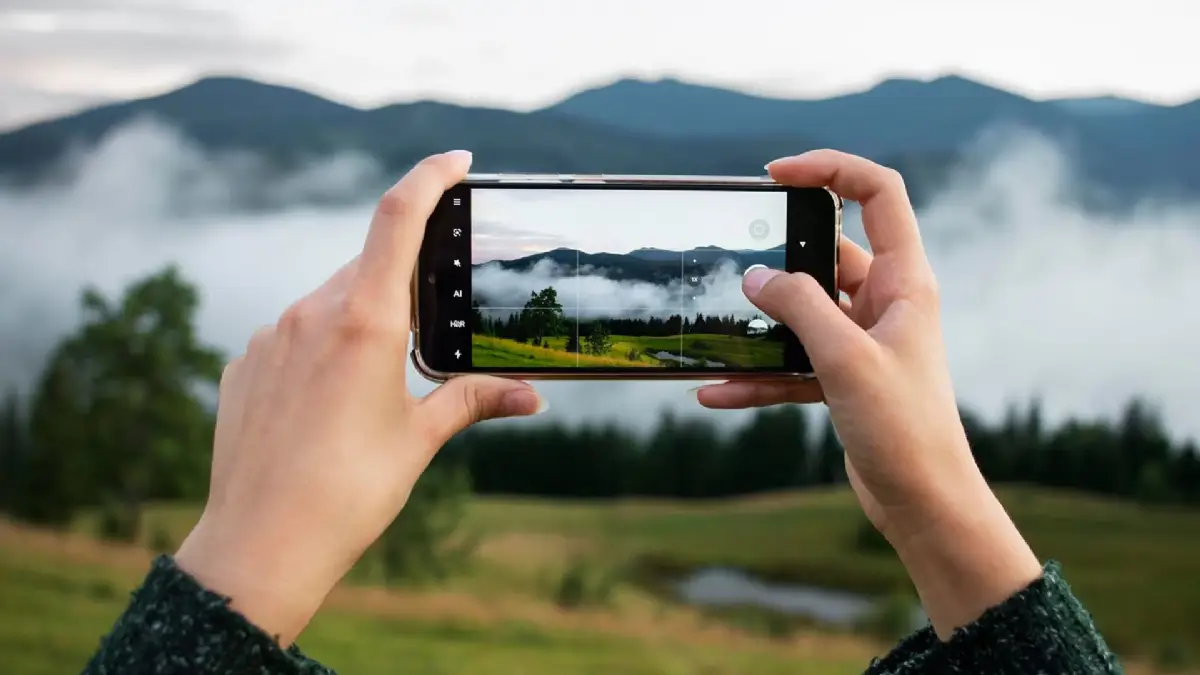
Everyone carries a powerful camera in their pocket these days, but most of us aren't getting the most out of it. If you're searching for ways to elevate your smartphone photography, you're in the right place. With a few adjustments to your approach, you can capture images that rival those from a DSLR. This guide breaks down practical tips on composition, lighting, and camera settings to help you take noticeably better photos right now.
Before diving into creative techniques, spend time exploring your smartphone's camera app. Different models offer unique features, but basics like grid lines, exposure controls, and burst mode are universal. Tap the screen to focus on your subject, and use the sun icon to adjust exposure manually. This simple step prevents washed-out skies or shadowy faces in your shots.
Pro tip: Enable the grid overlay in settings. It acts as a guide for balanced framing without overwhelming your viewfinder. Once you're comfortable swiping through modes—photo, portrait, night—your shots will improve immediately.
Composition is the foundation of great photography, and it's easier than you think on a phone. Start with the rule of thirds: imagine your screen divided into nine equal boxes. Place key elements along the lines or at intersections for a dynamic feel. Avoid centering everything; it often looks static.
Lead the eye with lines, like a winding path or railing, drawing viewers into the scene. For portraits, position your subject off-center and leave space in the direction they're facing—this creates natural flow. Experiment with foreground elements, such as a branch or person, to add depth to landscapes.
Practice these daily, and you'll notice your feed filling with more engaging images.
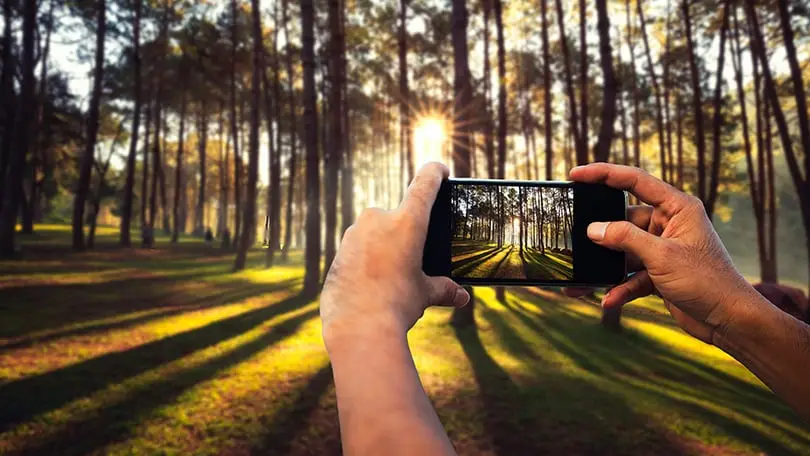
Good lighting separates amateur snaps from polished photos. Natural light is your best friend—shoot during golden hour, shortly after sunrise or before sunset, when the sun is soft and warm. Avoid harsh midday light; it creates unflattering shadows.
Position your subject with light facing them, or use backlighting for a glowing silhouette effect. Indoors, place people near windows for even illumination. If shadows creep in, tap to expose for the face and let the background slightly underexpose—it's often more pleasing.
For low-light scenarios, steady your phone on a surface or use your voice for a makeshift tripod. Night mode on modern phones works wonders, but hold still for a few seconds while it processes.
Dig into camera settings to unlock your phone's potential. Switch to Pro mode if available—it lets you tweak ISO, shutter speed, and white balance manually. Keep ISO low (100-400) for clean images, and bump shutter speed for moving subjects to freeze action.
Here's a quick reference table for common scenarios:
| Scenario | Recommended ISO | Shutter Speed | White Balance Tip |
|---|---|---|---|
| Bright daylight | 100-200 | 1/500 or faster | Daylight |
| Indoor natural light | 200-400 | 1/125 | Cloudy for warmth |
| Low light/night | 400-800 | 1/60 or slower (use tripod) | Tungsten for indoors |
| Action/sports | 200-400 | 1/1000+ | Auto |
Use these as starting points and adjust based on your phone's histogram if it shows one. Also, shoot in RAW or HEIF format for more editing flexibility later.
For portraits, enable Portrait mode to blur backgrounds naturally—get close, about 4-5 feet away, for the best effect. Adjust lighting to highlight eyes, the most captivating feature. In group shots, ensure everyone's at the same distance from the lens.
Landscapes demand wide-angle lenses, but watch for distortion at edges. Use a level tool in the app for straight horizons. Stack multiple exposures in apps like Lightroom for HDR-like results without gear.
"I once deleted an entire sunset series because I ignored exposure—my phone's auto mode blew out the colors. Always check the histogram; it's saved countless shots for me." – Alex Rivera, mobile photographer with 10 years experience.
Shaky hands ruin more photos than bad lighting. Use both hands, elbows tucked in, and breathe steadily. For video or long exposures, a $10 clip-on tripod changes everything. Polarizing filters for phones cut glare on water or skies, adding punch to outdoor scenes.
Don't overlook the ultra-wide lens for immersive views or macro mode for tiny details like dew on leaves. Clean your lens regularly—smudges are sneaky saboteurs.
Your phone's built-in editor is solid—boost exposure slightly, tweak contrast for pop, and sharpen judiciously. Apps like Snapseed or VSCO offer precise controls. Crop to strengthen composition, but resist heavy filters; authenticity wins.
A good workflow: Adjust white balance first, then highlights/shadows, followed by clarity. Compare before/after to ensure natural results.
Over-relying on zoom crops quality—walk closer instead. Digital zoom on most phones interpolates pixels poorly. Ignore the flash; it flattens subjects unflatteringly. Learn to read your scene's dynamic range.
Batch review your photos weekly. Delete the weak ones and note what worked in keepers. This builds intuition faster than any tutorial.
Challenge yourself: Shoot only black-and-white for a day to focus on composition and lighting. Or limit to one lens (main, wide, tele) per outing. Share on social media for feedback—communities like #PhonePhotography are supportive.
Track progress by dating folders. In months, you'll see growth from consistent effort.
Applying these smartphone photography tips—solid composition, smart lighting choices, and dialed-in camera settings—transforms casual snaps into keepers. Your phone is capable of pro-level work; now it's about technique. Grab it, head out, and start shooting. You'll be amazed at the results.
Published: Sunday, April 5, 2026 Viewed 9 times.
tepte.com: Your Questions and Answers Resource with a Wealth of General Knowledge
Are you seeking a one-stop destination for comprehensive knowledge and answers to your burning questions? Look no further than tepte.com! Our platform is your go-to source for a wide range of information, all conveniently presented in an easily accessible question and answer format.
At tepte.com, we pride ourselves on being your reliable knowledge hub. Whether you're curious about technology, science, history, or any other subject under the sun, our extensive General Knowledge (GK) knowledge base has you covered. We've made it our mission to provide you with in-depth insights and facts on an array of topics. Read more
