
Tepte.com


If you've ever felt like someone might be keeping tabs on your every move through your smartphone, you're not alone. With apps, spyware, and even carrier-level tracking becoming more sophisticated, it's smart to know how to check if your phone is being tracked. This guide walks you through the warning signs, practical checks, and steps to reclaim your privacy. Whether it's a suspicious partner, a hacker, or unwanted marketing trackers, spotting these issues early can make all the difference.
Phones track us for legitimate reasons—like location services for maps or ads tailored to your habits—but problems arise when it's unauthorized. Stalkerware apps, hidden by jealous exes or cybercriminals, can log calls, texts, and GPS data. Governments or employers might monitor too, though that's usually disclosed. The key is recognizing when it's gone too far. Start by paying attention to your device's behavior; sudden changes often signal trouble.
Look for these red flags that could mean your smartphone may be monitored. No single sign proves tracking, but a cluster of them warrants a deeper dive.
These symptoms mimic normal wear, so track them over a week. Note patterns, like drain during specific times, which could tie to remote access.
Android's open nature makes it vulnerable, but also easier to inspect. Here's how to investigate:
If something feels off, boot into safe mode (hold power button, long-press restart) to see if issues persist without third-party apps.
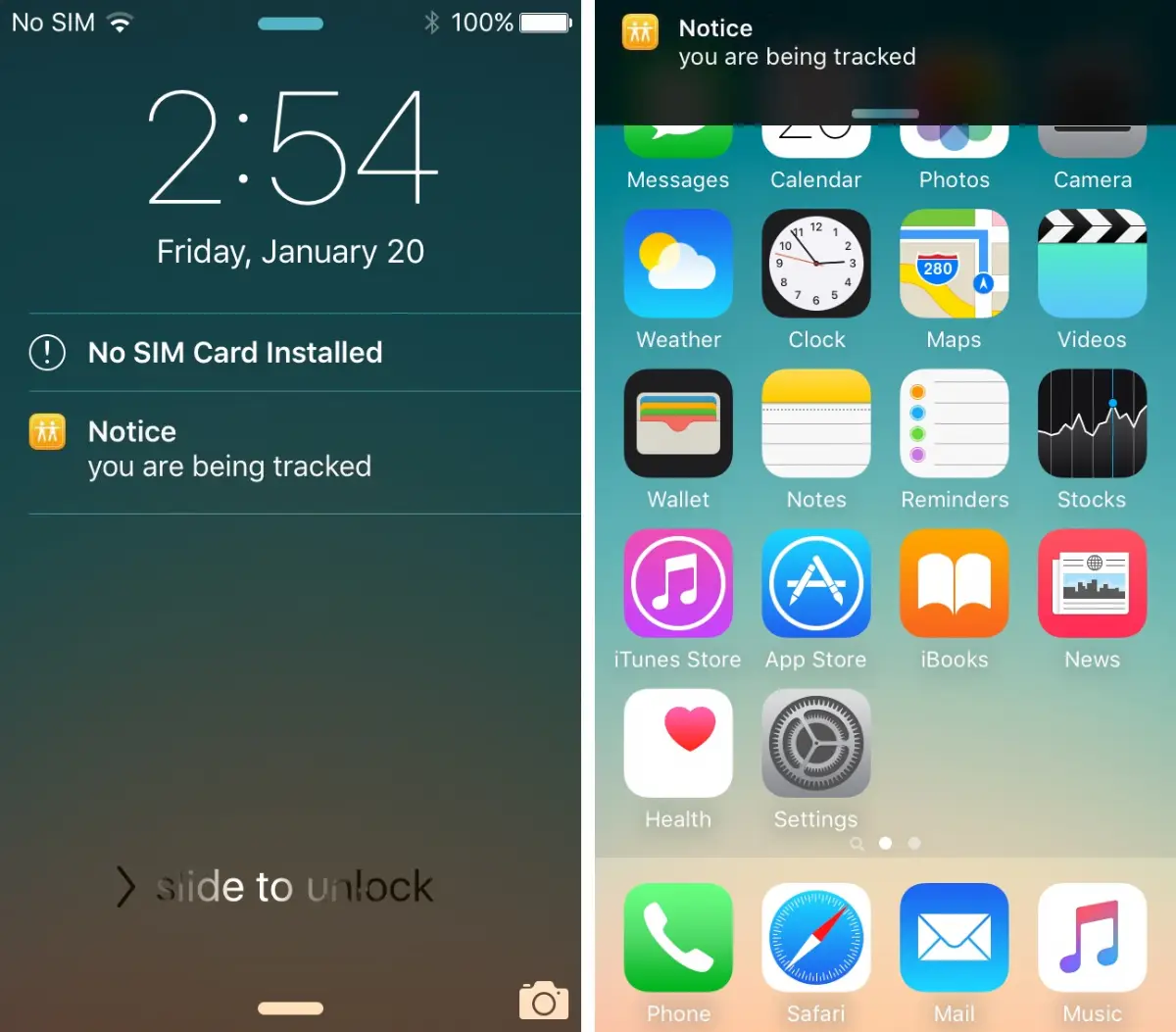
iOS locks things down tighter, hiding trackers better but limiting checks. Focus here:
Apple's ecosystem resists most spyware, but jailbreaks or iCloud hacks bypass this. Change your Apple ID password if linked devices seem off.
| Sign | Android Check | iOS Check | Action if Confirmed |
|---|---|---|---|
| Battery Drain | Settings > Battery > Usage details | Settings > Battery > Last 24 hours | Force stop/uninstall culprit app |
| High Data Use | Settings > Network > Data usage | Settings > Cellular > Current period | Restrict background data |
| Unknown Apps | Settings > Apps > See all | Settings > General > iPhone Storage | Delete and scan with antivirus |
| Location Anomalies | Settings > Location > App permissions | Settings > Privacy > Location Services | Turn off for all but essentials |
| Slow Speed | Developer options > Running services | Restart device; check storage | Clear cache/factory reset as last resort |
This table gives a quick reference for cross-platform troubleshooting. Use it to compare symptoms side-by-side.
Now, about halfway through our checkup—consider this real-world caution.
"I ignored the random battery drops at first, thinking it was just an old phone. Turns out, an ex had installed stalkerware during a visit. It logged everything for months before I scanned properly. Don't wait—act fast, because once data's out, it's gone forever." – Anonymous user shared on a privacy forum.
Beyond built-in features, reputable antivirus apps help. For Android, try Malwarebytes or Avast; they scan for spyware signatures. iPhone users can use Intego or Lookout, though options are fewer due to sandboxing. Run full scans weekly, but vet apps via reviews and permissions—ironic, but trackers hide in "security" tools too.
Check for root/jailbreak status: On Android, download Root Checker app. iPhones show "Jailbreak detected" in some settings if tampered. These modifications enable deep tracking.
Suspecting monitoring? Here's your action plan:
Post-reset, install only trusted apps from official stores. Customize notifications to alert on new installs.
Sometimes, it's not malware—carriers track for billing, and law enforcement can compel access via warrants (Stingrays or SS7 exploits). Signs include persistent issues post-reset. Contact your carrier to review accounts for family plans or shared tracking. For legal worries, consult a lawyer; apps can't detect official surveillance.
Proactive habits keep snoopers out:
Keep software updated—patches close doors hackers love. Use biometric locks over patterns. Avoid sideloading apps or clicking phishing links. Educate family on risks; kids' devices are prime targets.
For ultimate privacy, consider GrapheneOS on a Pixel (Android) or sticking to stock iOS. But balance usability—total lockdown isn't practical for everyone.
Learning how to check if your phone is being tracked empowers you against digital intruders. By spotting signs like battery quirks or data hogs, running checks, and locking down settings, you minimize risks. Privacy isn't guaranteed, but vigilance is your best defense. If paranoia lingers, seek pro help from cybersecurity firms. Stay safe out there—your data's worth it.
Published: Wednesday, February 25, 2026 Viewed 13 times.
tepte.com: Your Questions and Answers Resource with a Wealth of General Knowledge
Are you seeking a one-stop destination for comprehensive knowledge and answers to your burning questions? Look no further than tepte.com! Our platform is your go-to source for a wide range of information, all conveniently presented in an easily accessible question and answer format.
At tepte.com, we pride ourselves on being your reliable knowledge hub. Whether you're curious about technology, science, history, or any other subject under the sun, our extensive General Knowledge (GK) knowledge base has you covered. We've made it our mission to provide you with in-depth insights and facts on an array of topics. Read more
