
Tepte.com


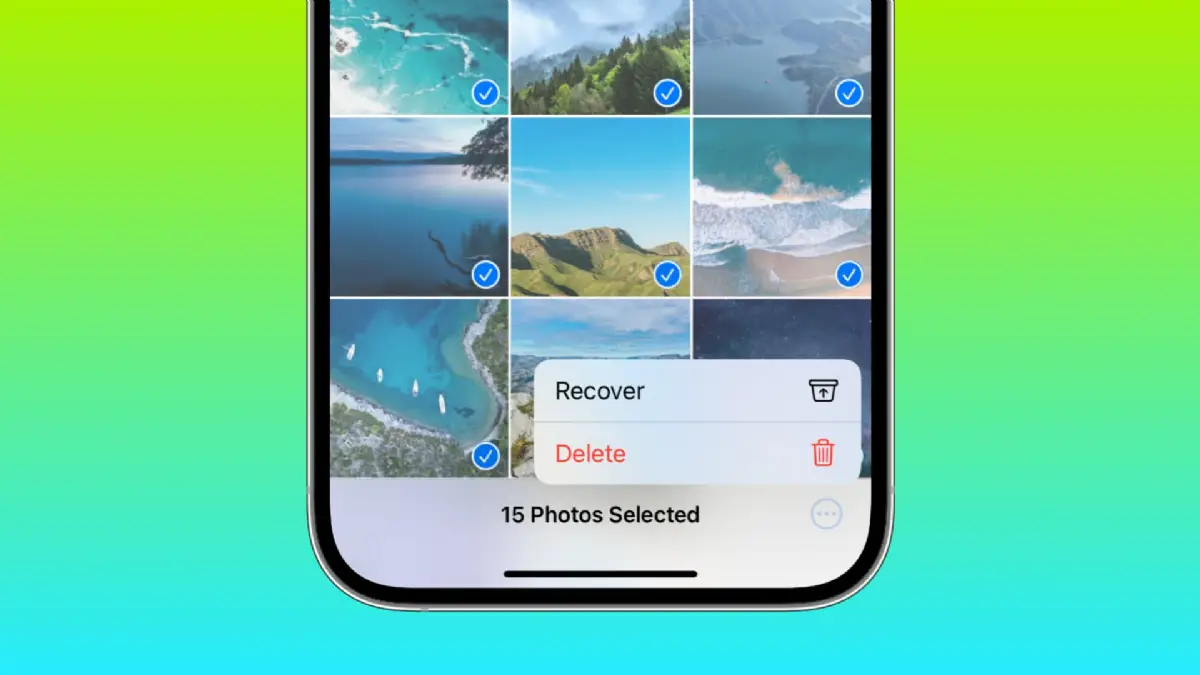
Accidentally deleting a cherished photo happens to everyone. Whether it's a family vacation snapshot or a quick selfie, the panic sets in fast. The good news? You can often recover deleted photos from your phone without much hassle, especially if you act quickly. This guide walks you through straightforward methods for both Android and iPhone, starting with built-in tools and moving to reliable apps. We'll cover step-by-step instructions so you can restore lost photos fast.
Photos don't vanish immediately after deletion—they linger in temporary storage like a trash bin. On Android, this is often Google Photos or the device's Gallery app. For iPhone, it's the Recently Deleted album. Time is key, though: most systems hold deleted files for 30 to 60 days before permanent erasure. Let's dive in.
Common culprits include accidental swipes, full storage cleanups, or app glitches. Before trying recovery, stop using your phone heavily. New data can overwrite deleted files, making them unrecoverable. Turn on Airplane Mode if possible to pause syncs and downloads.
Check your backups too—Google Drive, iCloud, or external drives might already have your photos safe. If not, proceed to platform-specific steps.
Android devices vary by manufacturer (Samsung, Google Pixel, etc.), but most share core recovery options. Google Photos is the go-to for many users since it backs up automatically.
This method works if you had backup enabled. No backup? Check your stock Gallery app next.
Apps like Samsung Gallery or Motorola's version have their own trash folders.
If these fail, third-party apps shine here. We'll cover those soon.
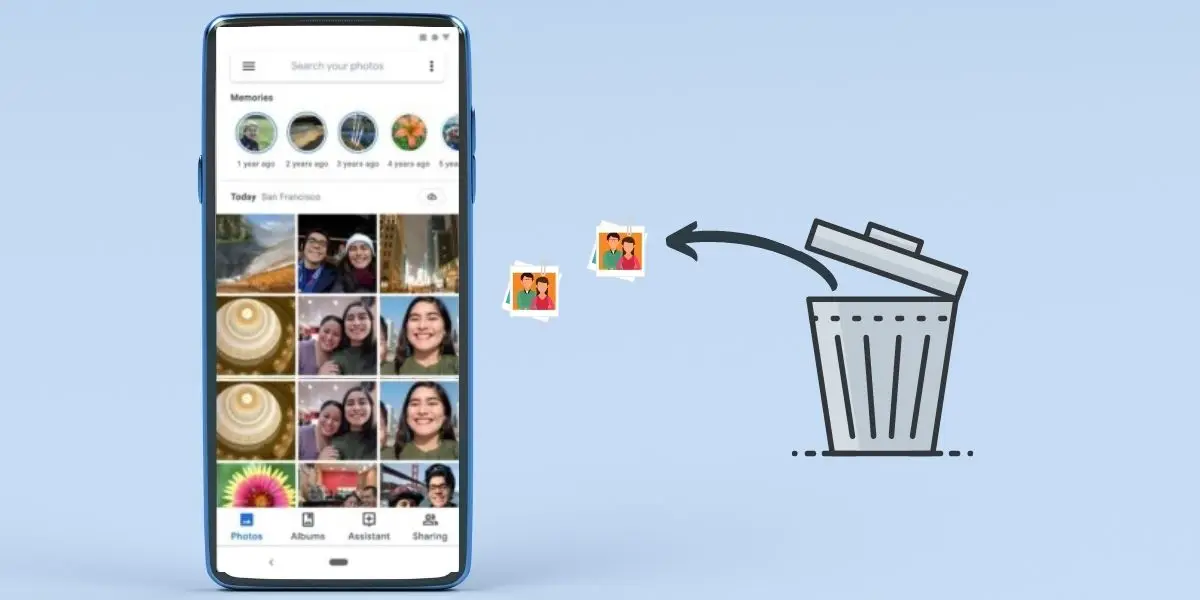
For deeper scans, apps like DiskDigger or Dr.Fone can pull files from storage. They're free for basics, with pro upgrades.
Download from Google Play, grant permissions, scan, and recover. Always preview to avoid junk.
Apple keeps things tidy with iOS's built-in features. No rooting needed—everything's straightforward via the Photos app.
This recovers originals, edits included. iCloud Photos users see this across devices.
If Recently Deleted is empty, turn to iCloud.
For full backups, use Finder (Mac) or iTunes (PC): connect your iPhone, select Restore Backup. Pick a pre-deletion date.
iOS limits deep scans, but apps bridge the gap via computer connections.
| Method/App | Free Tier | Best For | Limitations |
|---|---|---|---|
| Dr.Fone (iOS) | Preview only | Quick scans without jailbreak | Full recovery paid |
| Tenorshare UltData | Basic scan | iCloud/iTunes backups | Requires computer |
| AnyTrans | Limited files | Wireless recovery | Slower on large libraries |
| PhoneRescue | Trial scan | Deep iOS storage dive | Mac/Windows only |
Connect your iPhone to a computer, run the app, scan, and export recovered photos. Success rates drop if storage's overwritten.
"I lost 200 vacation photos after clearing space on my Galaxy. Google Photos Trash saved 180, but the rest needed DiskDigger. Lesson learned: enable auto-backup everywhere. Don't wait—check trash first!" – Sarah K., Android user
Prevention beats recovery. Here's a practical checklist to safeguard your photos:
If dealing with SD cards on Android, remove and scan with PC software like Recuva for extra chances.
Sometimes, files are too far gone. Professional data recovery services exist for critical losses, like legal evidence photos. They charge $100–$1000+ but boast high success on physical devices.
Compare your options:
Avoid "miracle" apps promising 100% recovery—they can't guarantee against overwrites. Stick to reputable ones with good reviews.
Can I recover photos deleted months ago? Unlikely without backups; temporary storage clears quickly.
What if my phone's broken? Extract via computer if it powers on; services for dead devices.
Does factory reset kill chances? Yes—back up first, always.
Factory reset erases everything, including trash. Recover from cloud backups post-reset.
Recovering deleted photos from your phone is simpler than you think with these tools. Start with built-ins like Google Photos Trash or iPhone's Recently Deleted—they're free and fast. Apps fill gaps for tougher cases. By enabling backups now, you'll avoid future stress. Got a success story or snag? Cloud storage is your best friend long-term.
Word count: approximately 1450. Your photos are worth the effort—give these steps a shot today.
Published: Friday, January 30, 2026 Viewed 15 times.
tepte.com: Your Questions and Answers Resource with a Wealth of General Knowledge
Are you seeking a one-stop destination for comprehensive knowledge and answers to your burning questions? Look no further than tepte.com! Our platform is your go-to source for a wide range of information, all conveniently presented in an easily accessible question and answer format.
At tepte.com, we pride ourselves on being your reliable knowledge hub. Whether you're curious about technology, science, history, or any other subject under the sun, our extensive General Knowledge (GK) knowledge base has you covered. We've made it our mission to provide you with in-depth insights and facts on an array of topics. Read more
