
Tepte.com


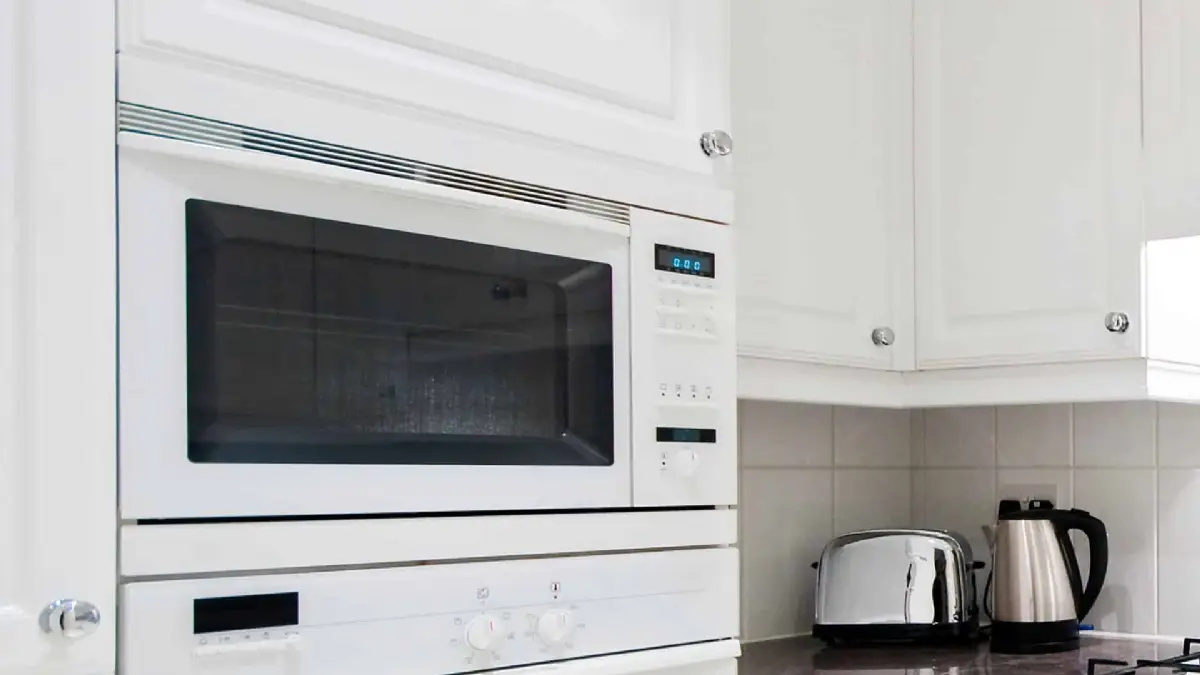
When your microwave oven starts acting up, it can throw off your entire meal prep routine. Maybe it's beeping nonstop, not heating food properly, or making odd noises. These common microwave oven issues happen more often than you might think, especially in busy kitchens. The good news? Many problems have simple solutions you can try at home before calling a repair service. In this guide, we'll break down error codes, heating failures, power glitches, and more, with step-by-step quick fixes and tips to keep your appliance humming along.
Understanding the basics of microwave troubleshooting empowers you to save time and money. We'll cover everything from decoding those flashing lights to preventive habits that extend your microwave's life. Let's dive in and get your kitchen gadget back on track.
Microwave error codes are the appliance's way of signaling specific problems. Different brands like GE, Samsung, LG, or Whirlpool use unique codes, but many share common patterns. Ignoring them can lead to bigger issues, so check your model's manual first. Here's a handy reference to get you started.
| Error Code | Common Meaning | Possible Causes | Quick Fix |
|---|---|---|---|
| F1 or PF | Door switch malfunction or power failure | Loose wiring or faulty door latch | Unplug for 5 minutes, reset; check door alignment |
| E-1 or H95 | Overheating or sensor error | Blocked vents or faulty thermistor | Cool down, clean vents; test sensor |
| 8888 or SE | Shorted control panel or demo mode | Moisture on keypad or factory setting | Wipe panel dry; hold reset button for 10 seconds |
| C-90 or F373 | Door error or open circuit | Misaligned door or damaged switches | Ensure door closes fully; inspect hinges |
| P13 or E-11 | Keypad short or communication failure | Spilled liquid or loose connection | Clean keypad; unplug and replug |
This table covers frequent error codes across popular models. Always unplug your microwave before any inspection to stay safe. If a code persists after a reset, note it down for a technician.
One of the most frustrating microwave oven issues is when it runs but doesn't heat. Your leftovers come out lukewarm, or one side of the plate is hot while the other is not. This often points to magnetron problems, power supply dips, or simple user errors.
First, verify the basics: Is the microwave on a dedicated circuit? Extension cords can cause voltage drops. Run a cup of water for two minutes—if it doesn't boil, dig deeper.
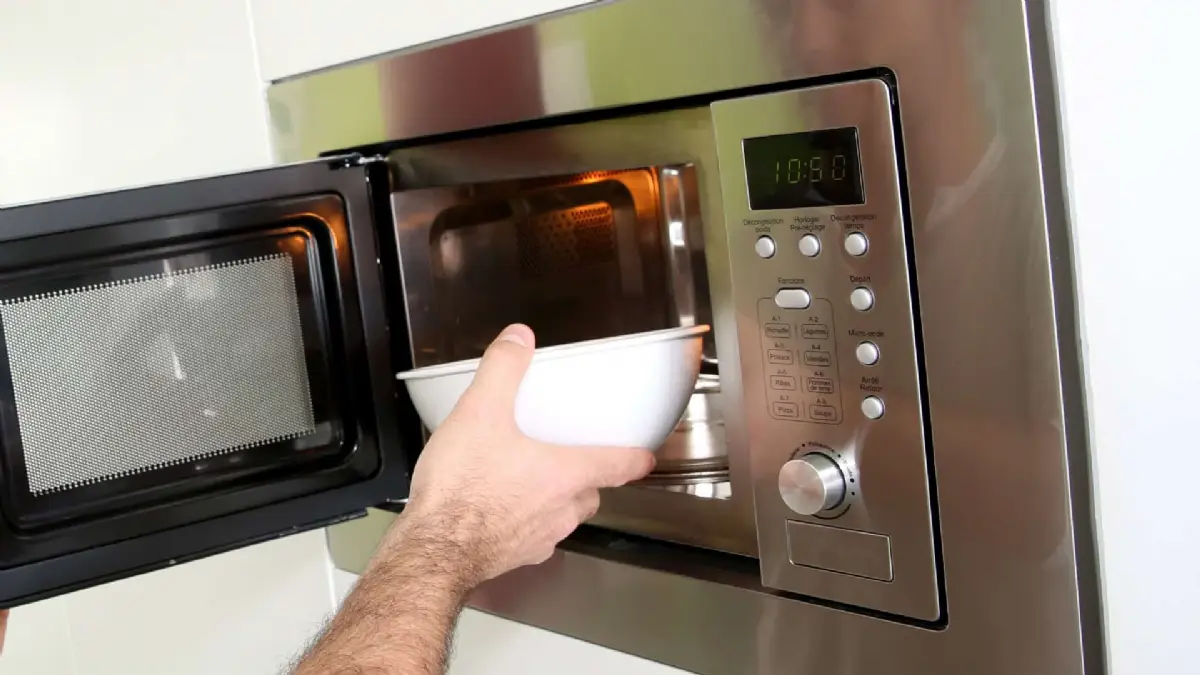
For uneven heating, stir food midway or use the turntable if your model has one. If the turntable doesn't rotate, clean the rollers underneath or realign it.
Hearing grinding, humming, or buzzing from your microwave? Or endless beeping? These sounds signal mechanical wear or electrical faults. Sparks inside are a red flag—stop using it immediately.
Common culprits for noises include a failing turntable motor or loose fan blades. Beeps might mean a stuck keypad or open door sensor. Persistent beeping? Hold the cancel button or unplug for a reset.
For sparks, clean the interior with baking soda and water. Never use harsh chemicals. If arcing continues, the magnetron or diode might need professional replacement.
"I once ignored the sparks in my old GE microwave, thinking it was just grease buildup. A week later, it shorted out completely, and the repair bill was over $200. Lesson learned: Address visual issues right away to avoid fire risks or total failure." – Sarah T., homeowner from Texas
If your microwave won't turn on at all, start with the circuit breaker. Flip it off and on. Then, examine the outlet with a voltage tester—microwaves need 120V steady power.
Door issues are next: The microwave senses if the door is fully closed via three switches. A bent hinge or worn latch triggers safety shutoff. Gently adjust the door or clean the latch area.
Other power glitches include a blown fuse on the control board. You can access it by removing the outer cabinet (with power off), but if you're not comfortable, skip to a pro.
Here's a quick diagnostic list:
Answering these helps pinpoint if it's a fuse, transformer, or something else.
Armed with knowledge, tackle these quick fixes yourself. Always prioritize safety—unplug before touching internals.
Reset your microwave: Most models reset by unplugging for 5-10 minutes. For touchpads, hold the power or cancel button while plugging back in.
Clean the door seals: Food splatter warps rubber seals, fooling sensors. Use a soft brush and mild soap.
Check thermal fuses: These safety devices blow to prevent fires. They're cheap ($10-20) and user-replaceable on many units—search your model number for guides.
Run an empty test cycle after fixes to confirm normal operation. If heat returns but weakens over time, the magnetron is likely wearing out—expect 7-10 years of life.
Prevention beats cure. Follow these habits to minimize microwave oven issues:
Track usage—if it's on daily, consider a countertop model with easy-access parts. Brands like Panasonic or Toshiba often have durable components.
DIY shines for minor troubleshooting, but high-voltage parts like the capacitor hold lethal charges even unplugged. If you see error codes like F3 (magnetron fail) or smell burning, stop and call a certified tech. Repairs average $100-250, far cheaper than a $300 new unit.
Search for "appliance repair near me" with your model for specialists. Provide the error code upfront to speed things up.
Mastering common microwave oven issues means fewer headaches and more reliable cooking. From decoding error codes to nipping uneven heating in the bud, these tips equip you for success. Regular maintenance turns your microwave into a kitchen workhorse. Next time it beeps oddly or fails to heat, you'll know exactly what to do. Safe cooking!
Published: Monday, January 19, 2026 Viewed 2 times.
tepte.com: Your Questions and Answers Resource with a Wealth of General Knowledge
Are you seeking a one-stop destination for comprehensive knowledge and answers to your burning questions? Look no further than tepte.com! Our platform is your go-to source for a wide range of information, all conveniently presented in an easily accessible question and answer format.
At tepte.com, we pride ourselves on being your reliable knowledge hub. Whether you're curious about technology, science, history, or any other subject under the sun, our extensive General Knowledge (GK) knowledge base has you covered. We've made it our mission to provide you with in-depth insights and facts on an array of topics. Read more
