
Tepte.com


Looking for about lg stylo google account bypass without a computer or learn about lg stylo google account bypass without a computer or discuss about lg stylo google account bypass without a computer or share about lg stylo google account bypass without a computer or ask about lg stylo google account bypass without a computer.
Introduction: Bypassing a Google account on an LG Stylo without a computer is a useful skill for individuals who may have forgotten their account information or have purchased a second-hand device. This process allows users to regain access to their devices without the need for a computer.
Question: How can you bypass a Google account on an LG Stylo without using a computer?
Answer: To bypass a Google account on an LG Stylo without a computer, follow these steps:
Factory Reset: First, perform a factory reset on your LG Stylo. This can usually be done by going to "Settings" > "General" > "Backup & Reset" > "Factory Data Reset." This will erase all data on your device.
Start Setup Process: After the factory reset, your device will start the initial setup process as if it were a new device.
Wi-Fi Connection: Connect your device to a Wi-Fi network. If you had previously connected to one, it may connect automatically.
Google Account Setup: During the setup process, you will be prompted to enter the Google account credentials that were previously associated with the device. If you don't remember the credentials or have forgotten them, there is an option to tap "Skip" or "Use another account."
Create a New Google Account: If you choose "Use another account," you can create a new Google account or use an existing one. This allows you to set up your device without the previous account.
Complete Setup: Follow the on-screen instructions to complete the device setup. Once finished, your LG Stylo will be ready to use without the need for the previous Google account.
It's important to note that bypassing a Google account without proper authorization may violate terms of service and is not recommended for unethical or illegal purposes. Always ensure you have the legal right to access and use the device in question.
How to Bypass Google Account Verification on LG Stylo Without a Computer
Introduction
If you've forgotten your Google account password or purchased a used LG Stylo, you may be locked out of your device. Google requires users to verify their account before they can use their device, which can be frustrating.
In this article, we'll show you how to bypass Google account verification on LG Stylo without a computer. This method is simple and easy to follow, and it will allow you to use your device without having to remember your Google account password.
What you'll need
Steps
Questions
If you don't have a SIM card with cellular data, you can use a Wi-Fi connection to bypass the Google account verification. To do this, follow the steps above, but instead of dialing **##7278#*, dial *##7278# #.
If you don't want to lose all of your data, you can try to bypass the Google account verification using a computer. There are a number of tools available that can help you do this, but they can be complicated to use.
Conclusion
By following the steps above, you can bypass Google account verification on LG Stylo without a computer. This is a simple and easy way to get back into your device if you've forgotten your Google account password or purchased a used device.
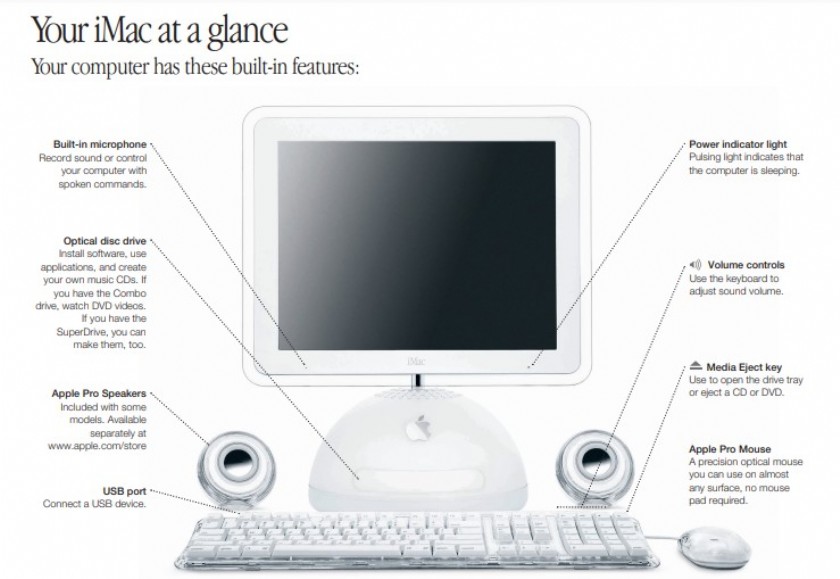
If you don’t find the answer to your problem on the following pages:Look in Mac Help:Look in Mac Help for more information on using your computerIn Ma
 361
361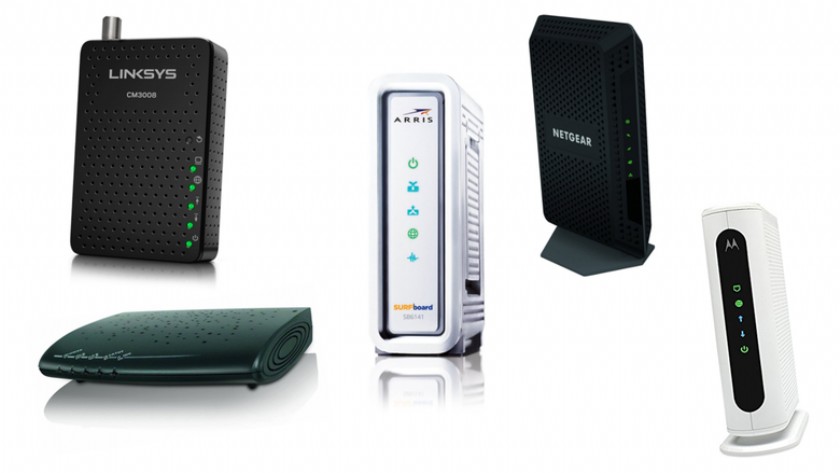
Modem RestartPerforming a modem restart is the most common solution to internet-related issues.Shut down the device you are using to connect to the In
114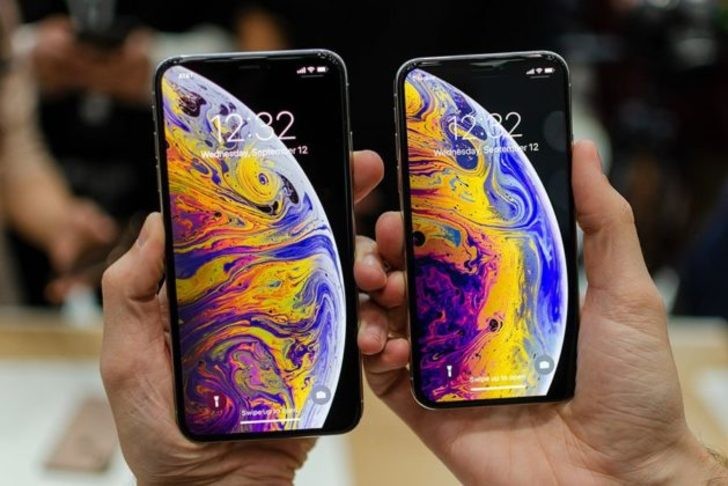
What is the best phones? Of course, it's your favorite phone. You decide. Latest phone models I selected for you. I think all phones are beautiful and
132Microsoft OLE DB Provider for ODBC Drivers
error '80004005'[MySQL][ODBC 8.0(w) Driver][mysqld-8.0.44]Can't find FULLTEXT index matching the column list
/ara.asp, line 492
